Procore Company Logo
Contractor inspecting a site
Orange hexagon

Construction Photo Documentation Software

Capture, organize, and share every project photo

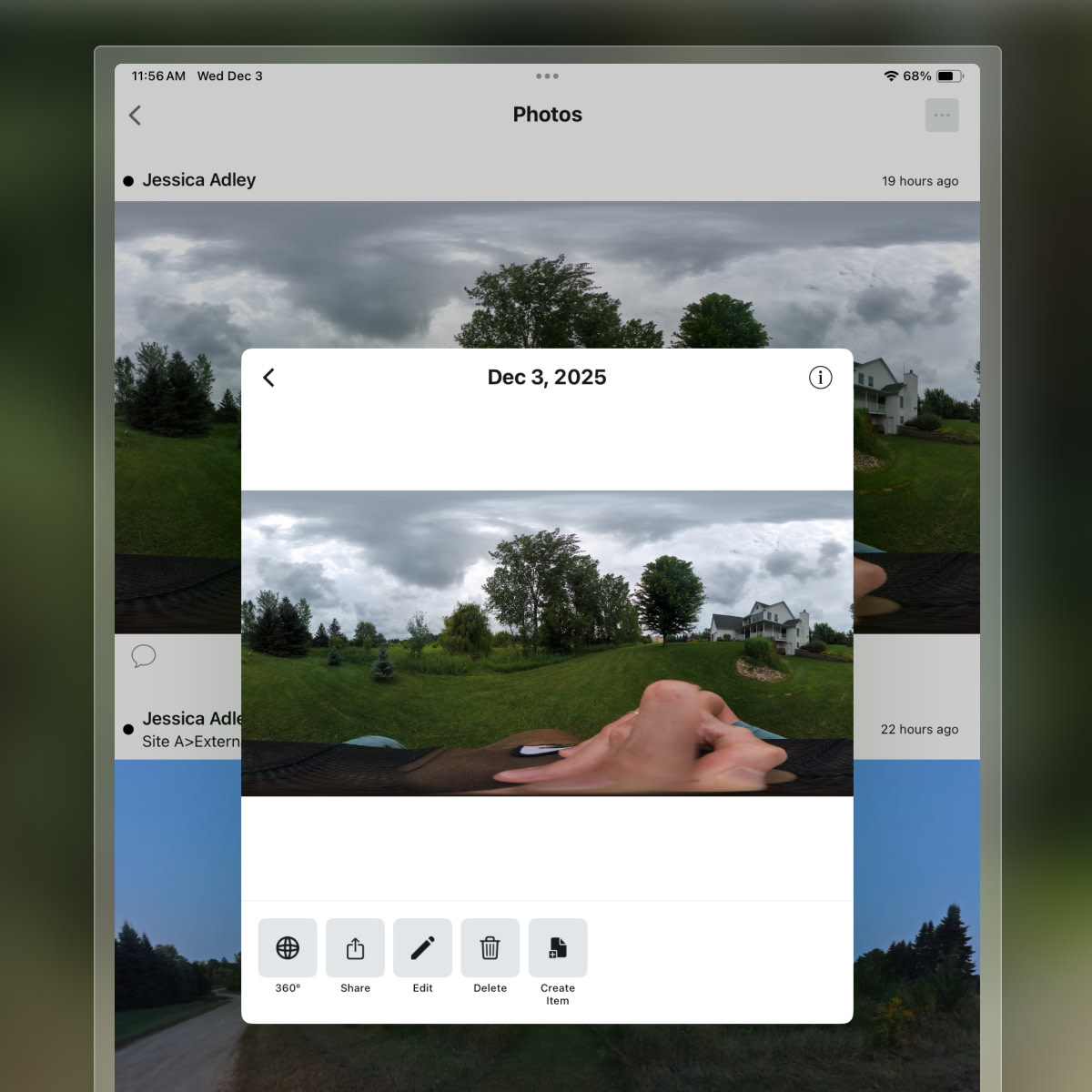
Procore’s Photos tool helps you snap, store, share, and comment on project photos without the hassle. Whether in the field or at your desk, keeping everyone on the same page is easy. Stay organized, track progress, and ensure your team has the whole picture.

Document every step of the construction process with project photos

Capture, store, and share unlimited project photos in a secure online archive. Upload from any device, easily organize, and add markups and comments to align your team.

Learn more

icon_data illustrated icon

Store unlimited photos

Keep as many photos as desired within Procore's cloud-based construction project management platform. We don't charge by megabyte or gigabyte, ensuring all your project images are safe and backed up.

icon_devices illustrated icon

Capture from any device

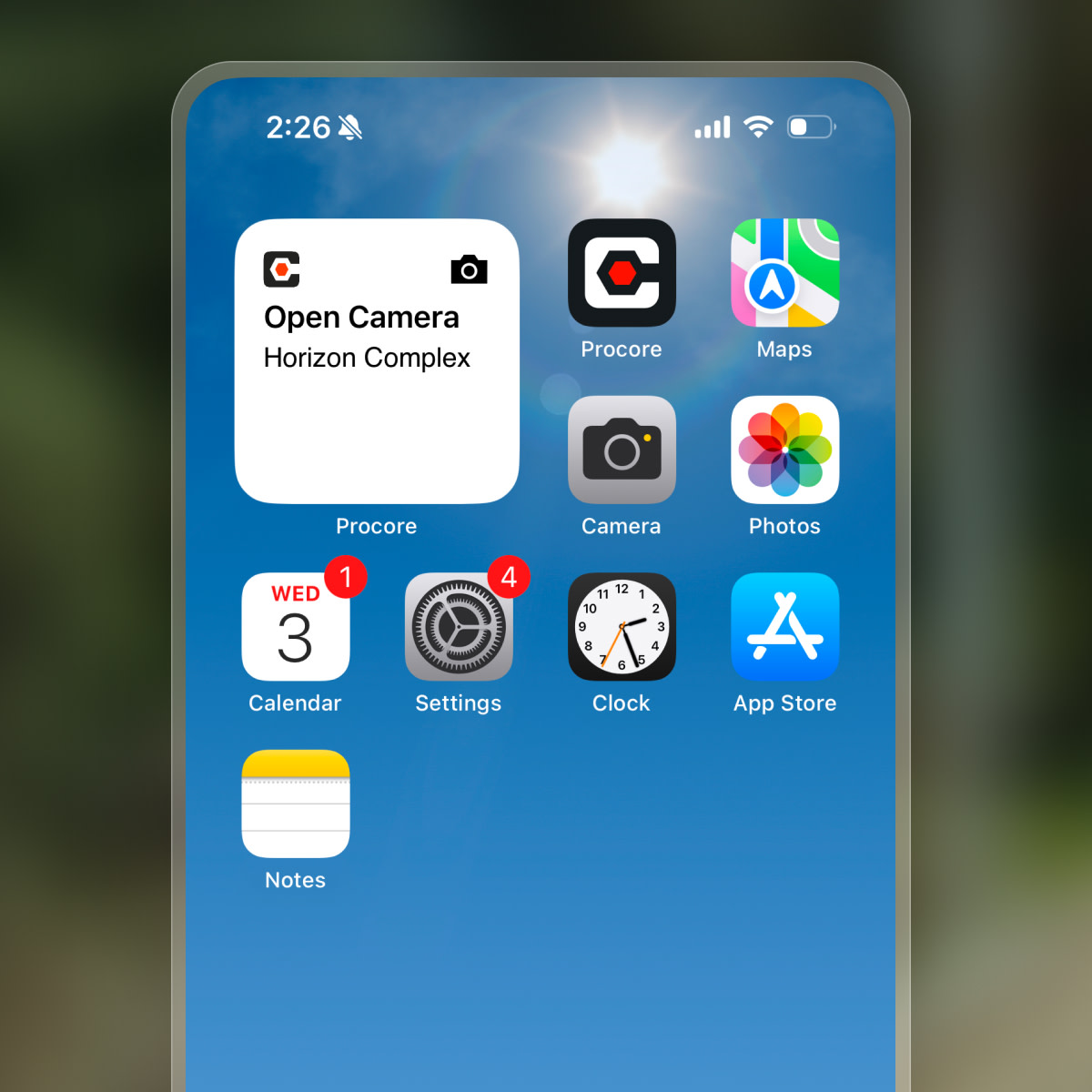
Seamlessly take photos from your smartphone, tablet, or computer. This flexibility ensures you can document progress no matter where you are on the jobsite.

icon_chat illustrated icon

Mark up for clarity

Add details and comments directly onto your photos. This improves communication and ensures everyone understands specific issues or progress points.

icon_Project Management illustrated icon

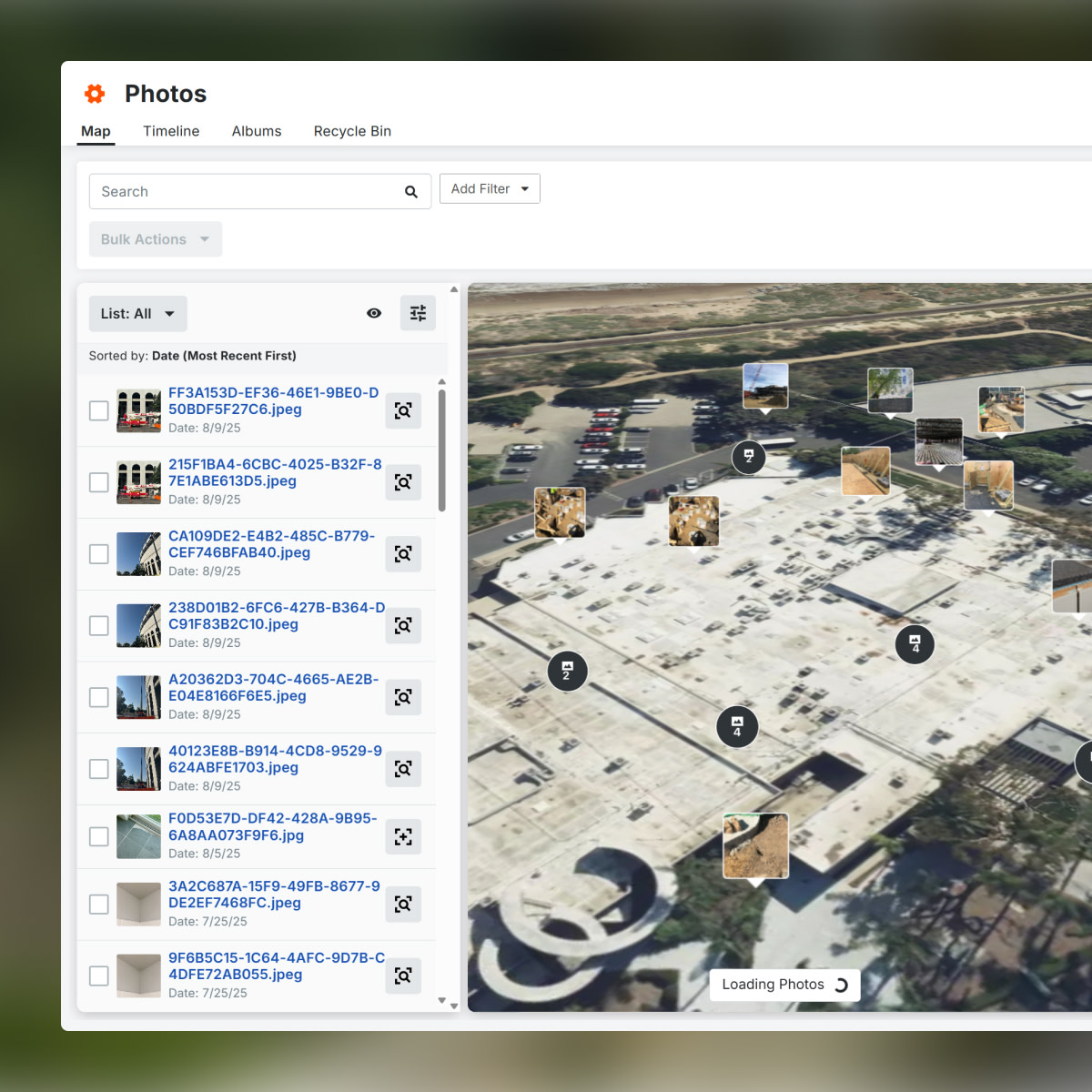
Organize project photos

Quickly find the exact images you need for immediate project context and reference. Keep your digital photos neatly organized within the platform.

A woman contractor taking a picture of a construction site with her phone

Unlimited Storage

Maximize project data with unlimited photo storage

Keep every project photo securely within Procore’s cloud-based platform. We don’t charge by megabyte or gigabyte, so you can store as many images as you need. See how you can:

  • Safeguard visual records with reliable, multi-server backups.

  • Access all your project photos anytime from anywhere.

  • Eliminate worries about storage limits or hidden fees.

  • Maintain a complete, organized archive of project imagery.

Request a demo

A contractor looking at a construction site while holding a tablet

Controlled visibility

Manage photo access with flexible permission settings

Easily share digital photos with team members while protecting sensitive information. Procore’s permission settings ensure only authorized users can view, upload, or download images. See how you can:

  • Keep your team aligned with secure, targeted photo sharing

  • Protect your project by blocking unauthorized access

  • Save time and reduce errors with streamlined permission controls

  • Safeguard sensitive data with precise access management

A construction worker using a phone on site

Image uploads

Capture and share project photos in seconds

Quickly import photos from your device directly into Procore. With just a few taps, share images with your project team or externally via email or smartphone. See how you can:

  • Speed up documentation with instant photo uploads

  • Keep your team informed with automatic photo sharing

  • Simplify external collaboration by emailing or texting images

  • Reduce delays with fast, on-the-go photo capture

a digital floor plan, with an overlay indicating an "Inspection" and linking to "Photos."

Photo-to-drawing integration

Connect progress photos to drawings for easy tracking

Capture project progress on your mobile device and link photos directly to drawings by location. Quickly find the images you need with synced photo records, sorting, and filters. See how you can:

  • Stay organized by linking photos to specific locations on drawings

  • Save time locating images with powerful sort and filter tools

  • Ensure accurate project records with synced photo updates

  • Simplify tracking of progress across your entire project

Two contractors pointing up at a construction

Customer Story

With Procore it's instant, right from the mobile app.

Dustin Burns

Vice President of IT

McCownGordon

Tap into 500+ integrations and apps you love working with

If we don't build it, chances are, there's an app or integration for it on our marketplace. So you can work the way you want to, all without ever leaving Procore.

Explore all integrations

FAQs

Construction photo documentation is the process of capturing, organizing, and managing visual records of a construction project's progress. This includes snapping, storing, sharing, and commenting on photos from the field or desk, providing a comprehensive visual history of the project.

Photo documentation in construction is important for several reasons. It helps teams stay organized, track progress, and ensures everyone involved has a clear understanding of the project's status. It safeguards visual records, facilitates secure sharing among team members, protects projects by blocking unauthorized access, and speeds up documentation with instant uploads, keeping teams informed and reducing delays. Additionally, it allows for connecting progress photos to drawings for easy tracking, ensuring accurate project records.

The benefits of photo documentation include maximizing project data with unlimited storage, allowing users to safeguard visual records, access photos anytime from anywhere, and eliminate worries about storage limits. It also offers controlled visibility, enabling users to manage photo access with flexible permission settings, share targeted photos securely, and protect sensitive data. Additionally, it streamlines image uploads for quick capture and sharing, and offers photo-to-drawing integration to connect progress photos to drawings for easy tracking.

Some key features of Procore's photo documentation software include the ability to store an unlimited number of photos, capture images from any device (smartphone, tablet, or computer), mark up photos for clarity with details and comments, and organize project photos for easy retrieval.

Procore's construction photo documentation software enables users to capture, organize, and share every project photo effortlessly. It provides unlimited photo storage, flexible permission settings for controlled visibility, quick image uploads for instant sharing, and photo-to-drawing integration for easy progress tracking. Procore also offers 500+ integrations and apps, enabling users to work the way they want without leaving the platform.

Get started now

If you can send an email, you can use Procore. Streamlined construction is really that simple.

4.5(2,656)

4.6(43K)

4.1(3,100)

4.6(41K)