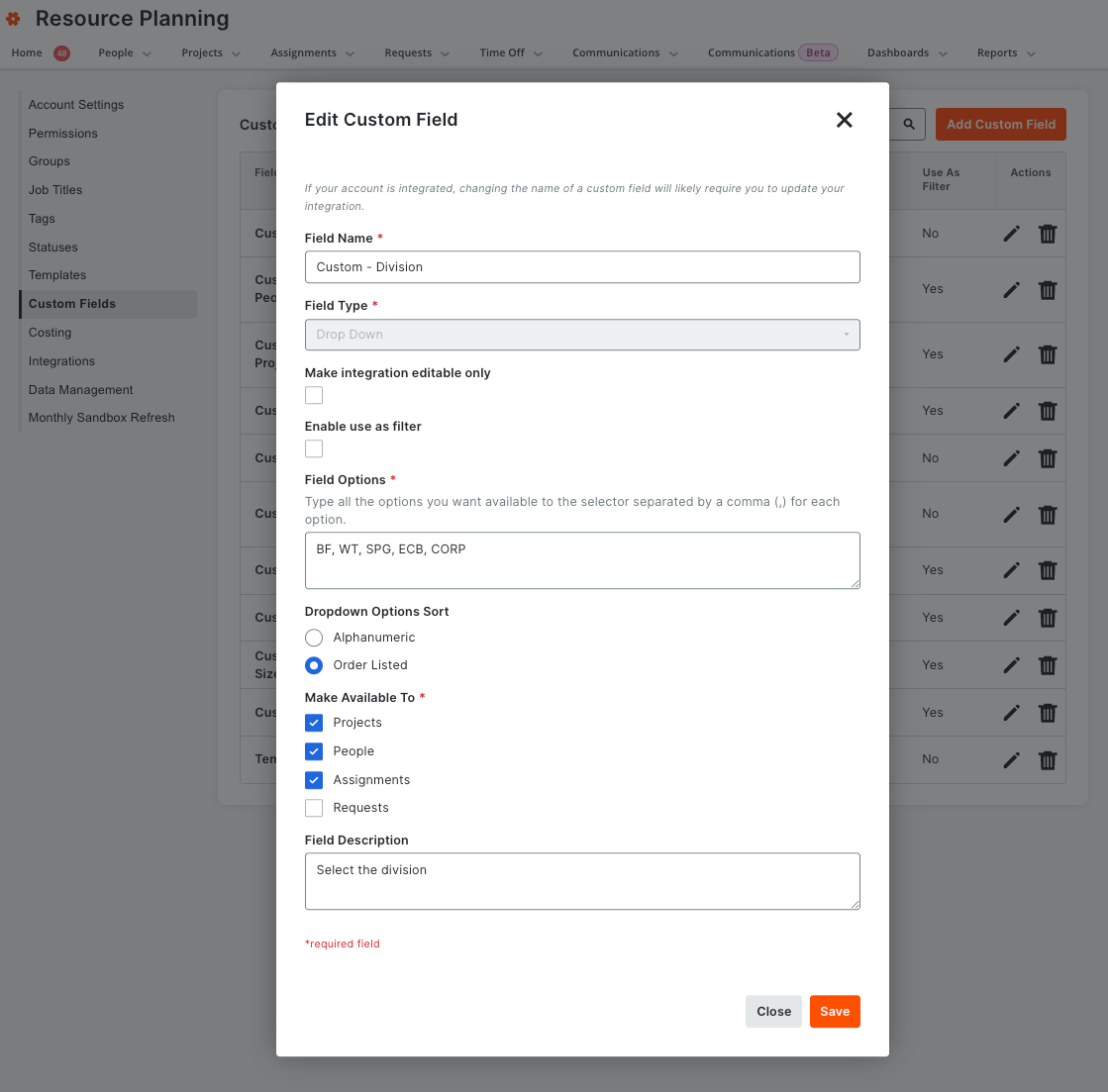
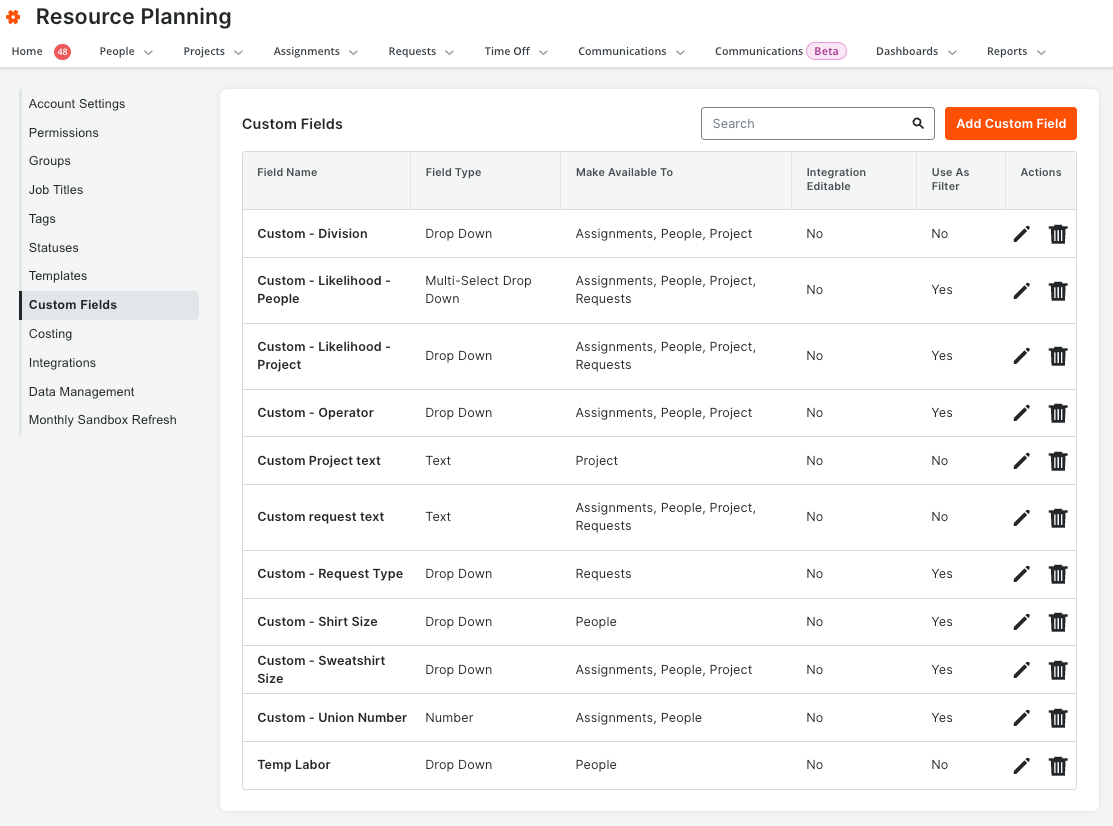
What it is: Resource Planning's admin settings move into the modernized experience used across the rest of Procore: a consistent header, navigation, and layout, with a left-hand menu grouping account settings, permissions, groups, job titles, tags, assignment statuses, templates, custom fields, costing, integrations, and data management. Every existing setting and permission carries over — users see and change exactly what they could before. Who it's for: Company administrators who configure Resource Planning. Why it matters: The legacy admin screens didn't match the rest of Procore, which meant extra training, harder wayfinding, and avoidable support tickets. With admin in the same experience as everything else, admins train once and apply the same patterns everywhere — and settings are simply easier to find. How to get started: Available as an open beta. Opt in through Procore Explore to use the modernized Resource Planning admin experience. Available October 13, 2026