
Procore Company Logo
Orange hexagon

Mobile ifc viewer

Secure the Golden Thread in real time

Give site teams high-performance 3D coordination that works on any tablet. Validate installations in real time to maintain the Golden Thread and help prevent costly programme delays.

Accelerate site-based BIM coordination

Unify fragmented design data with a site-first IFC viewer that puts coordinated 3D data directly into the hands of site teams to improve accuracy.

icon_sync-file illustrated icon

Access multi-discipline federated models

View complex IFC files on any mobile device to ensure site execution aligns with the approved design intent.

icon_cones illustrated icon

Secure the Golden Thread

Capture visual evidence of compliance against specific model objects to meet Building Safety Act standards and support a transparent digital record.

icon_tablet illustrated icon

Reduce connectivity delays on-site

Download project models for reliable offline use in basements or remote locations where site signal is limited.

icon_drawings illustrated icon

Mitigate rework with real-time verification

Toggle between 2D drawings and 3D context to confirm penetration locations and mitigate the risk of costly rework.

Story Section Image

High-fidelity access

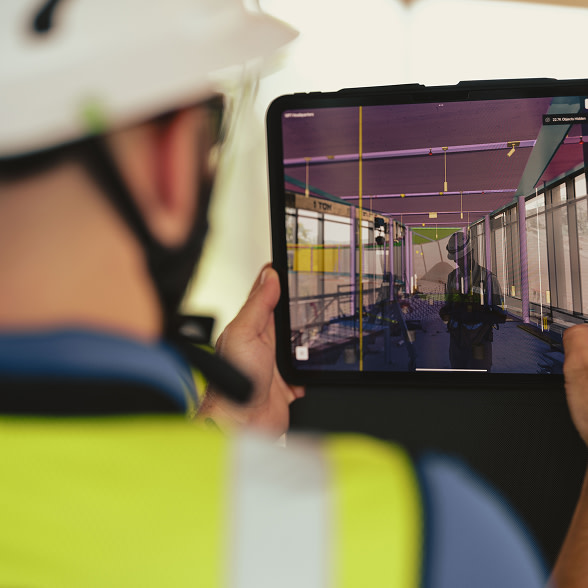
Inspect complex federated models on any tablet

Procore’s BIM viewer is built for the site, not the office. Use  mobile hardware to handle large, multi-discipline IFC files without the lag seen in free alternatives.

  • Open large IFC and native BIM files instantly on iOS or Android.

  • Move around with familiar touch gestures or patent-pending virtual joysticks.

  • Switch between 2D drawings and 3D models with a single tap.

  • View rich object metadata to verify materials and fire ratings.

Learn more

Story Section Image

Zero Downtime

Build with confidence in low-connectivity environments

Connectivity shouldn't be a barrier to quality. Sync your models before heading to the site and maintain full 3D access in basements or remote locations with no signal.

  • Download project models for reliable offline site use.

  • Sync observations and snags automatically once back in range.

  • Access cached 2D views for precise penetration and blockout checks.

  • Eliminate the risk of site teams working from stale data.

Learn more

Story Section Image

Achieve Regulatory Assurance

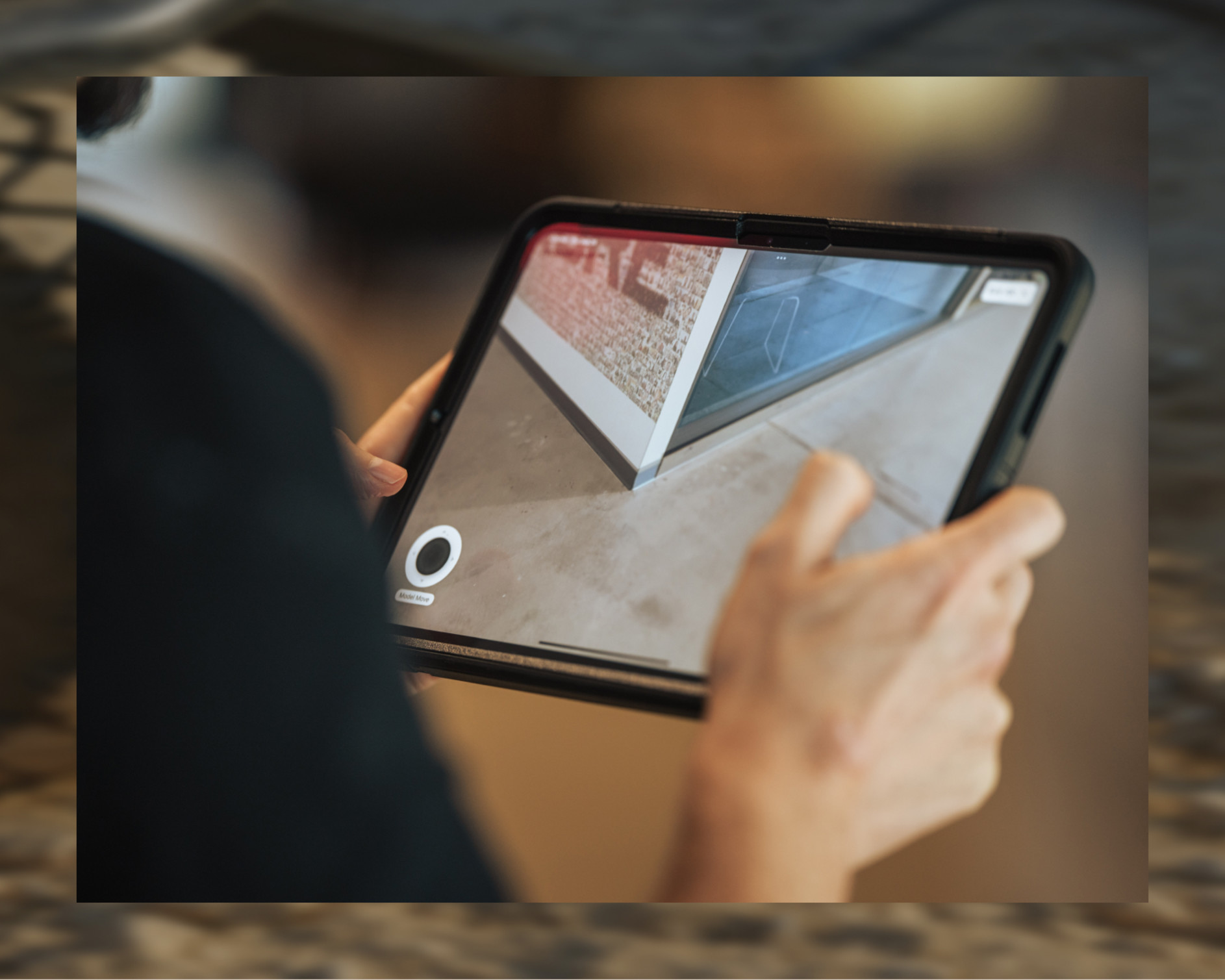
Capture the Golden Thread with visual verification

Replace manual checks with Augmented Reality (AR) to align on-site conditions with the approved design. Collect visual evidence of compliance to support Gateway 3 submissions and ensure a transparent, unalterable digital record.

  • Verify fire-stopping and MEP installations against the model.

  • Create model-backed observations to provide proof of quality.

  • Identify site variations before they require costly rework.

  • Protect margins by resolving coordination issues on site.

Learn more

Story Section Image

Connective CDE

Centralise models across all trades

Combine models from different design software into one central hub. Native support for IFC files means your team can share data easily and keep the programme moving.

  • Merge architectural, structural and MEP models into one coordinated view.

  • Access full IFC object metadata on-site to verify technical specifications.

  • Mitigate data loss during file transfers between trades.

  • Standardise site workflows across the whole project team.

Learn more

FAQs

Join 3M daily users who build better with Procore.

4.5(2,656)

4.6(41K)

4.6(43K)

4.1(3,100)