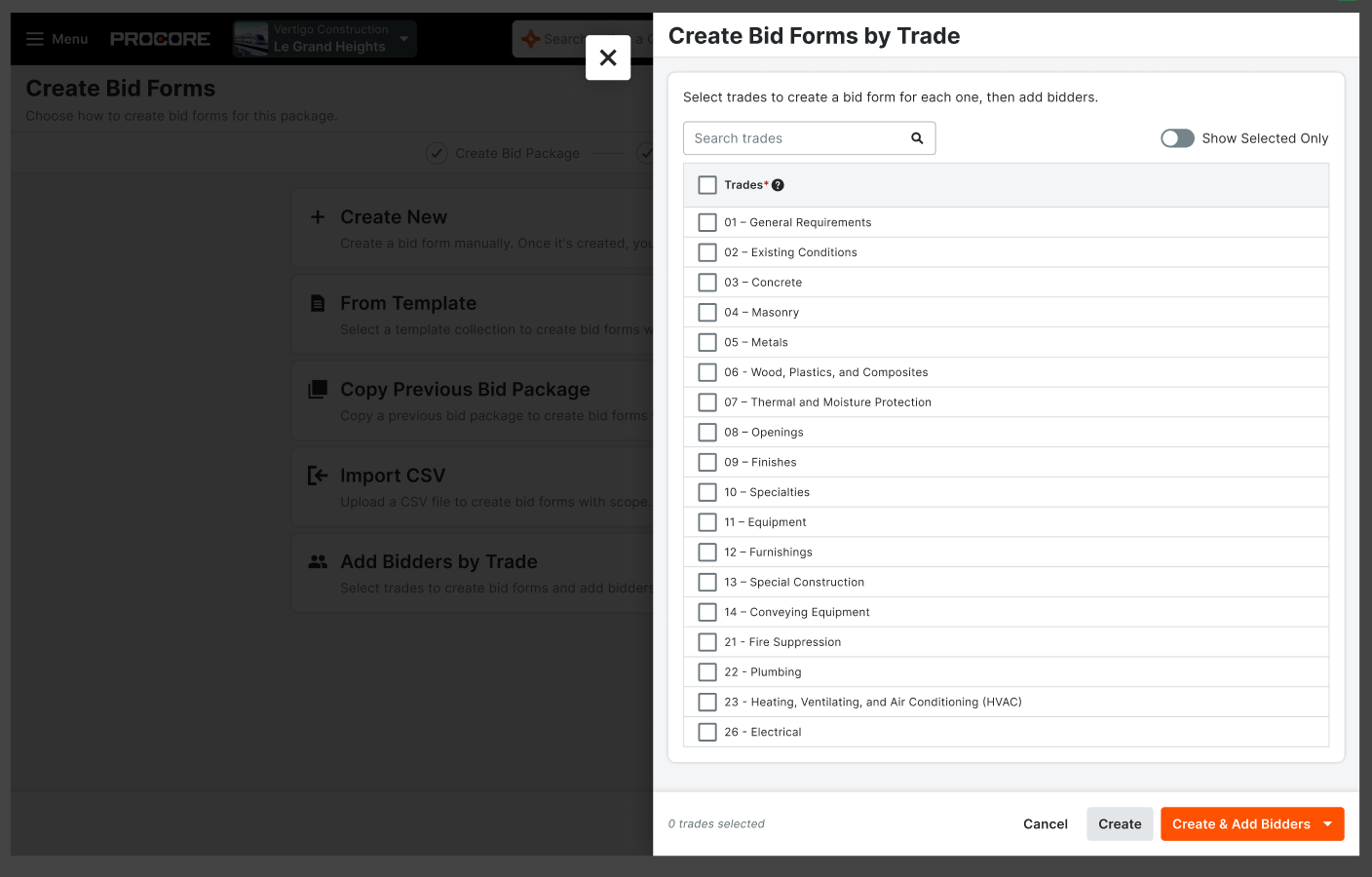
What it is: A new guided Trade Stepper walks you through Create Bid Package, Attach Files and Bid Forms. Select your trades once and Procore creates one bid form per trade, then add bidders for each trade, or in bulk, from the Supplier Contact View. Copy Template, Copy Previous and CSV import are still available. A new Bid Coverage Dashboard shows bid status by trade, bidder document downloads and progress toward your submission targets. The Trade Stepper is hidden in regions where the Supplier Contact View isn’t enabled. Who it’s for: Solicitors, estimators and preconstruction teams who build bid packages and invite bidders. Why it matters: Setting up a bid package took more steps than it should. Defining trades and inviting bidders in one guided flow saves time, and the dashboard shows where coverage is thin before bids are due. How to get started: Create a new bid package in the Bidding tool and follow the stepper. Available December 15.