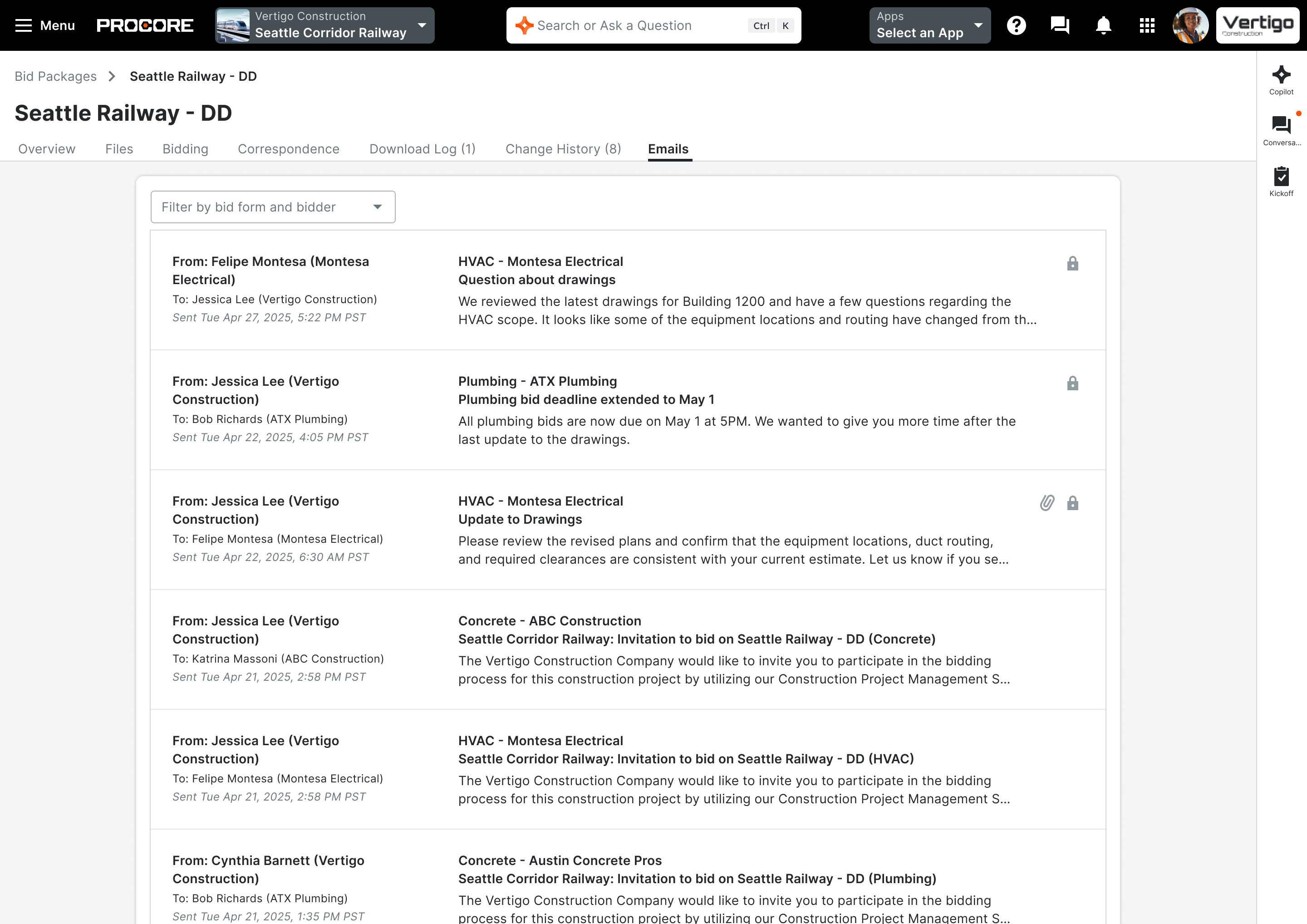
What it is: The Emails tab in the Bidding tool is now available to all eligible accounts, replacing the previous partial rollout. Estimators can reply to bidder questions submitted through Planroom or in response to an invitation to bid. They can also send, track and manage bidder correspondence and notifications in Procore. Emails can be downloaded as PDF files. Who it’s for: Estimators and preconstruction teams managing bid packages and bidder communications. Why it matters: Keeping bid communication in Procore gives you a complete history of every conversation with each bidder, attached to the bid package. Nobody has to search personal inboxes. A complete record of bidder communication helps close scope gaps during buyout and supports you if questions come up later. How to get started: Open the Emails tab in the project Bidding tool. See “Reply to an Email in the Bidding Tool” and “Download a Bidding Email as a PDF File” on the Procore Support site. Available December 15.