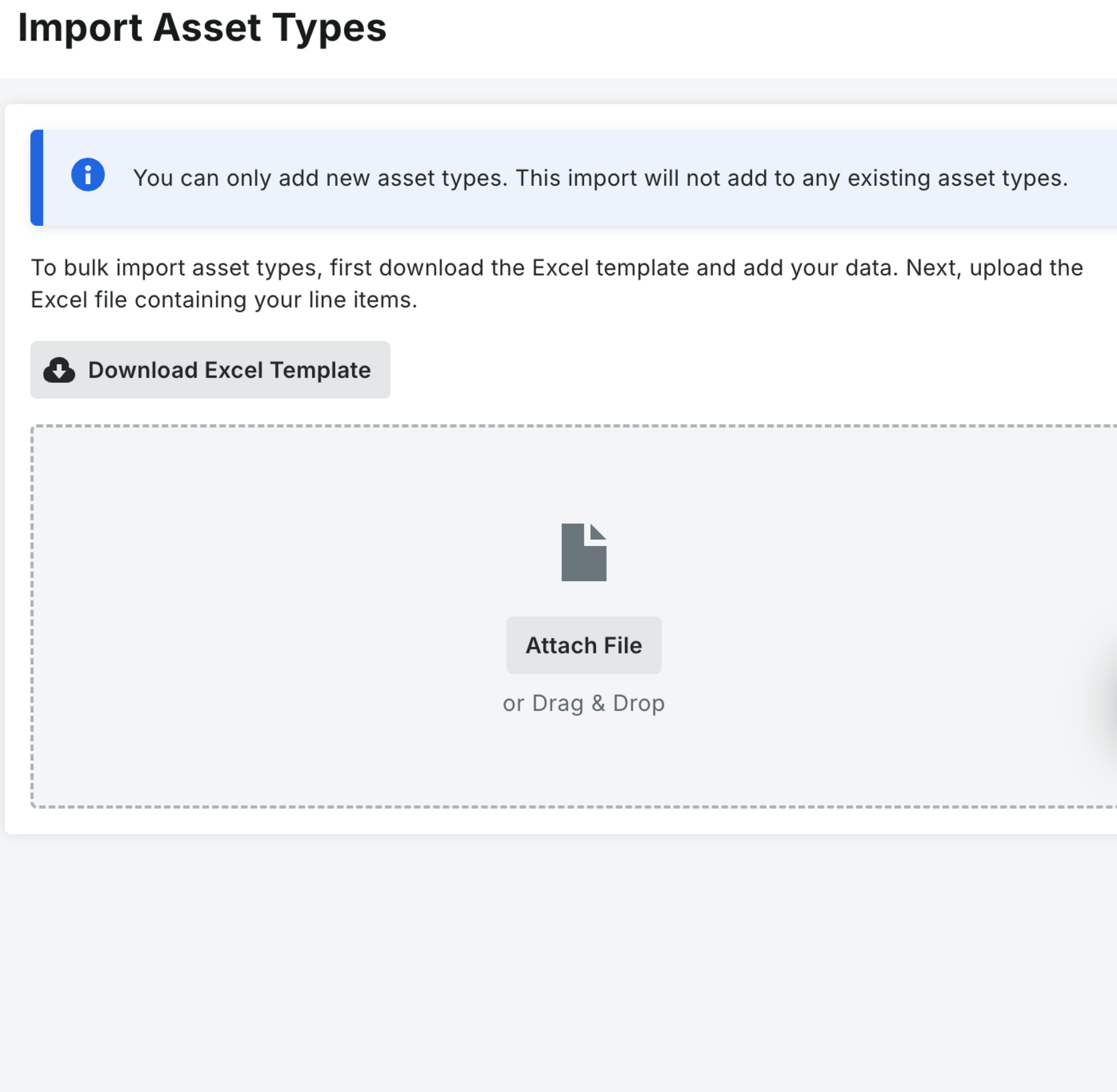
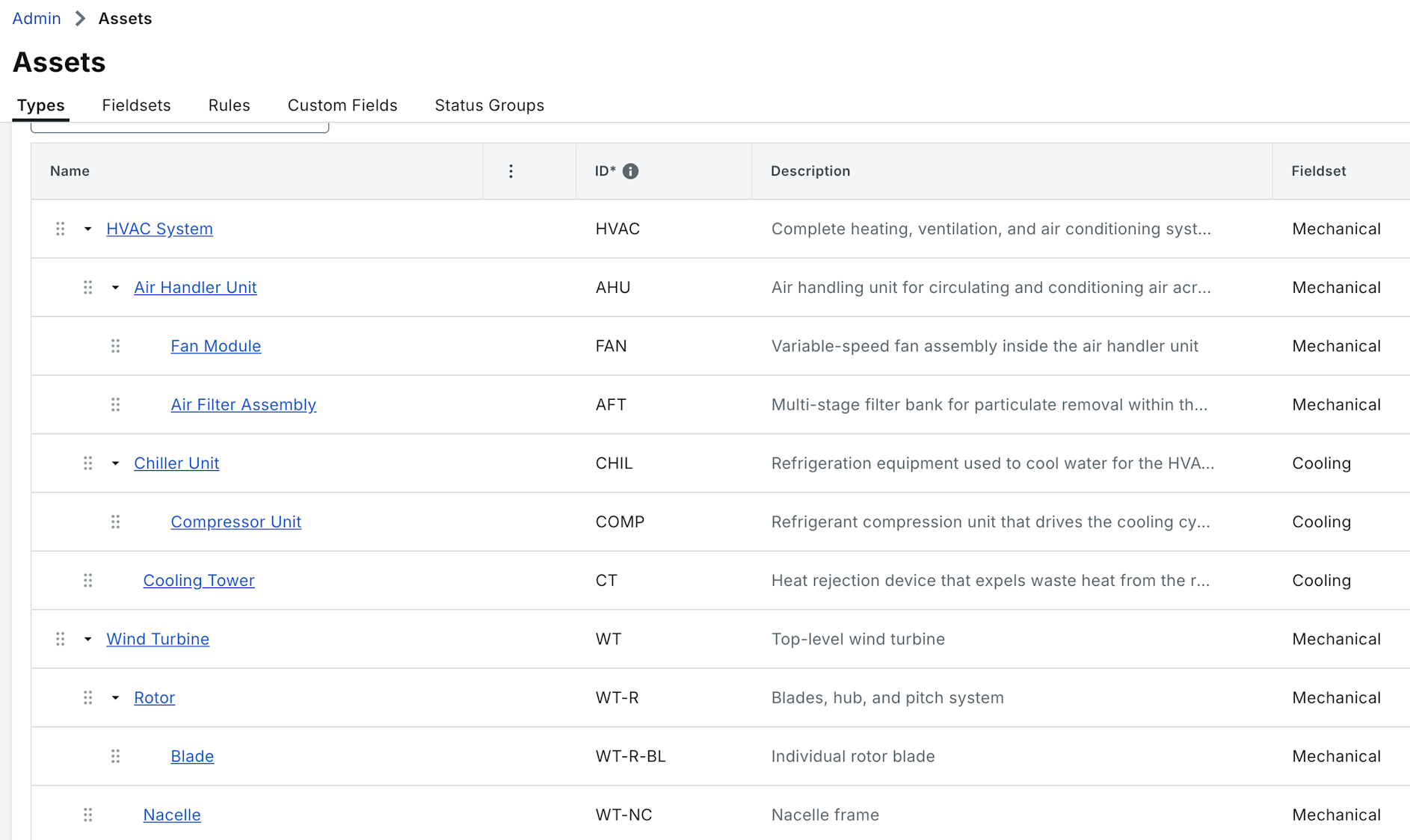
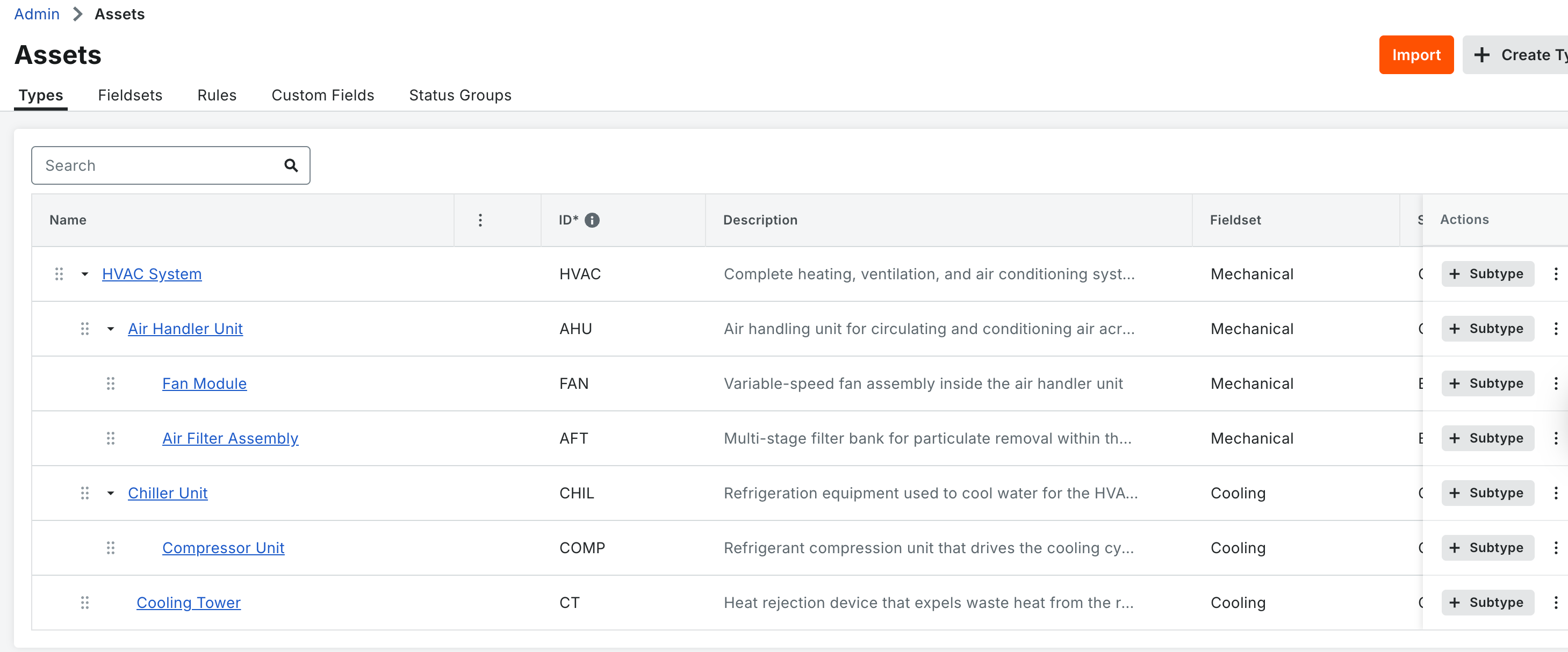
What it is: The Import button now appears on the Asset Types page even when asset types already exist. You can bulk import new top-level asset types and their full sub-hierarchies. The import only adds, so existing types and their assets are never changed or deleted. If an Asset Type ID conflicts, nothing is imported, and an error file lists the rows to fix. Who it’s for: Company admins who set up and maintain the asset type hierarchy. Why it matters: Keep extending your hierarchy in bulk as new equipment categories come in, without putting the asset data you’ve already set up at risk. Get started: Open the Asset Types page in company Assets settings and select Import. Import is available to Admin users. Your file must be self-contained and can’t attach new subtypes to existing types. See “Configure Asset Type Hierarchy” on the Procore Support site. Available on the web December 15, 2026. Available December 15.