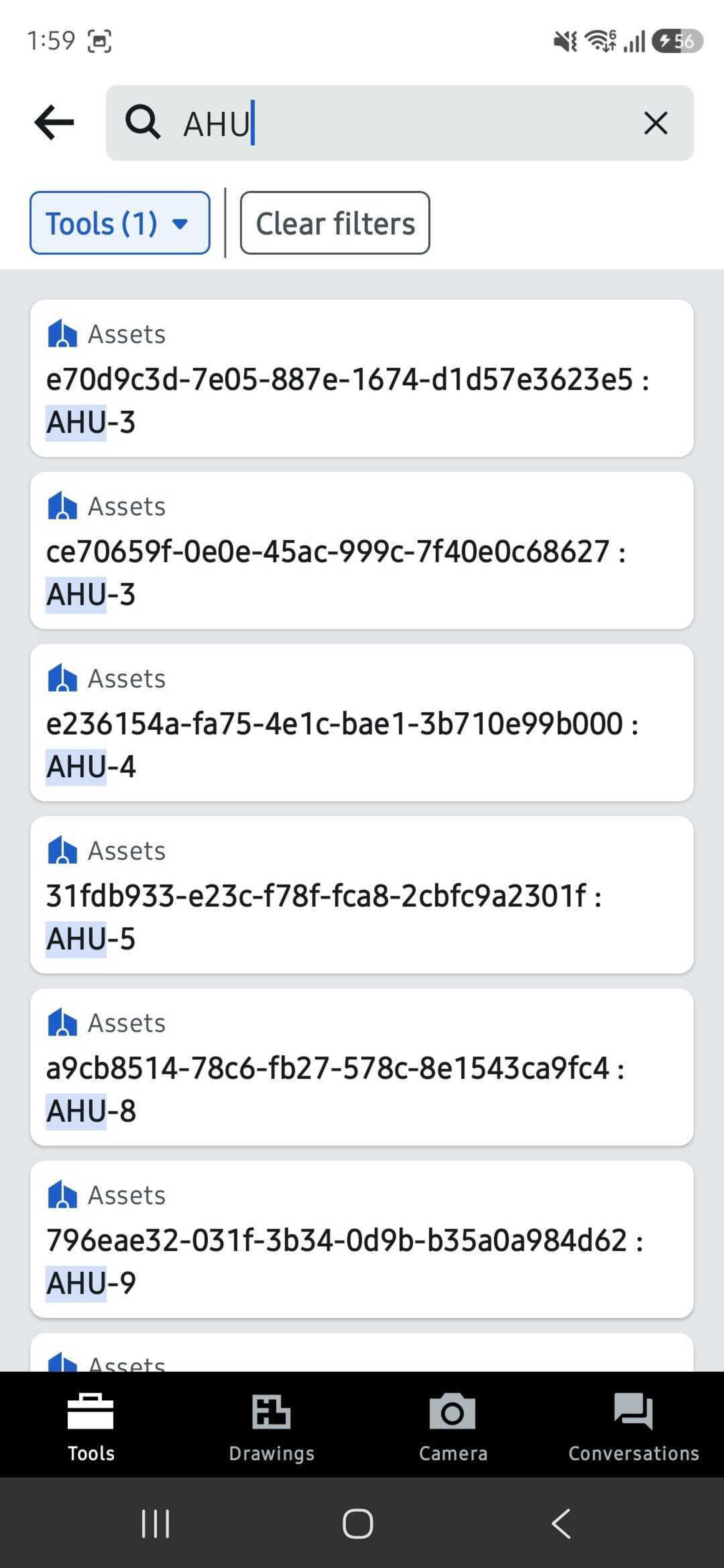
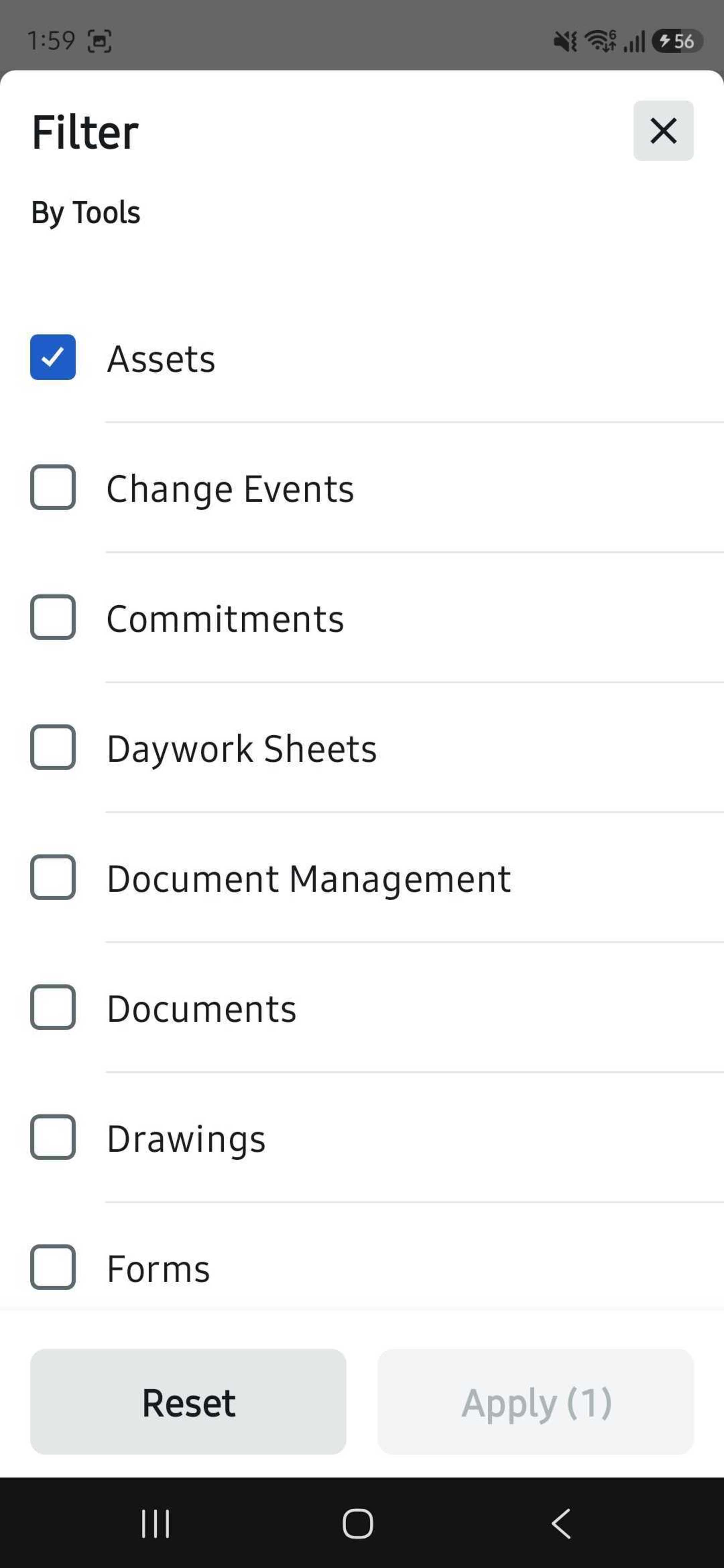
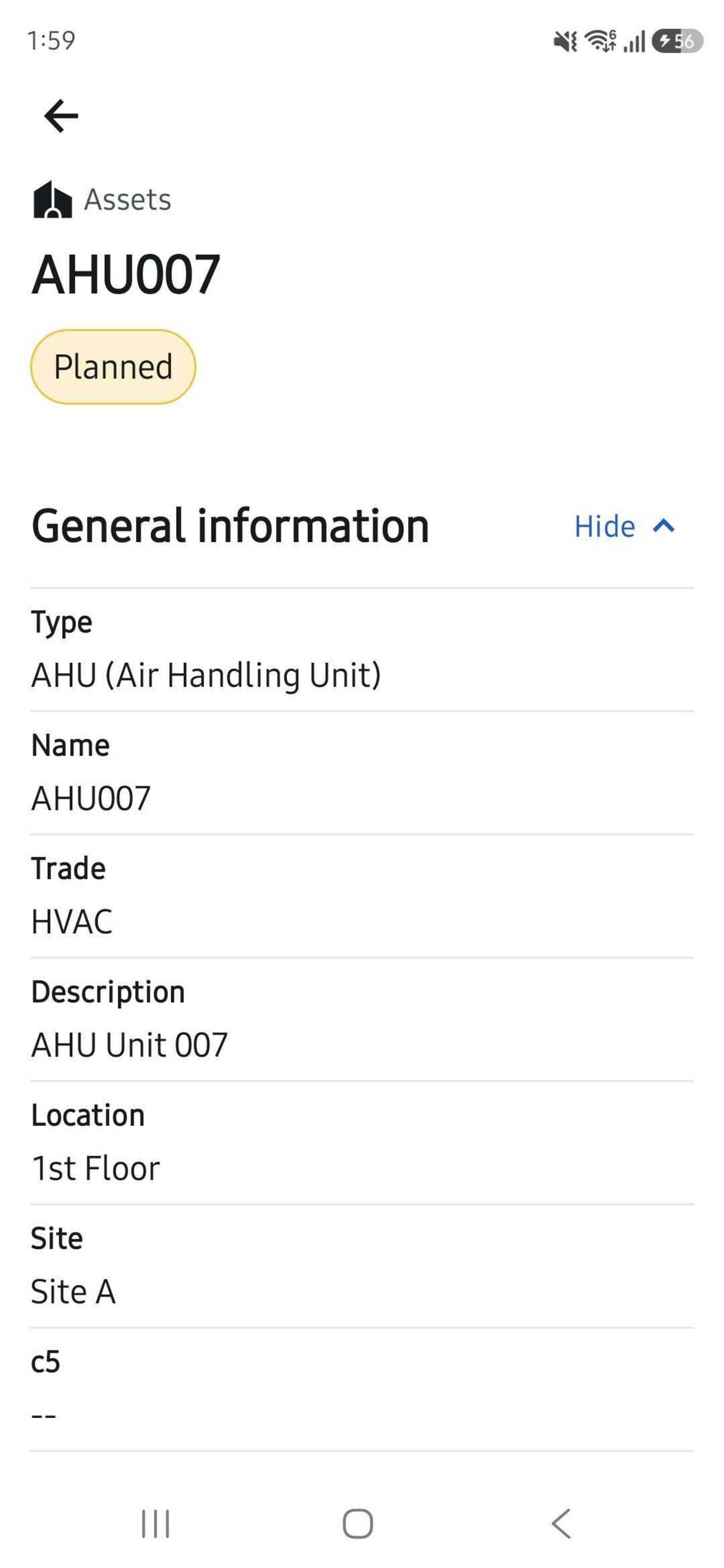
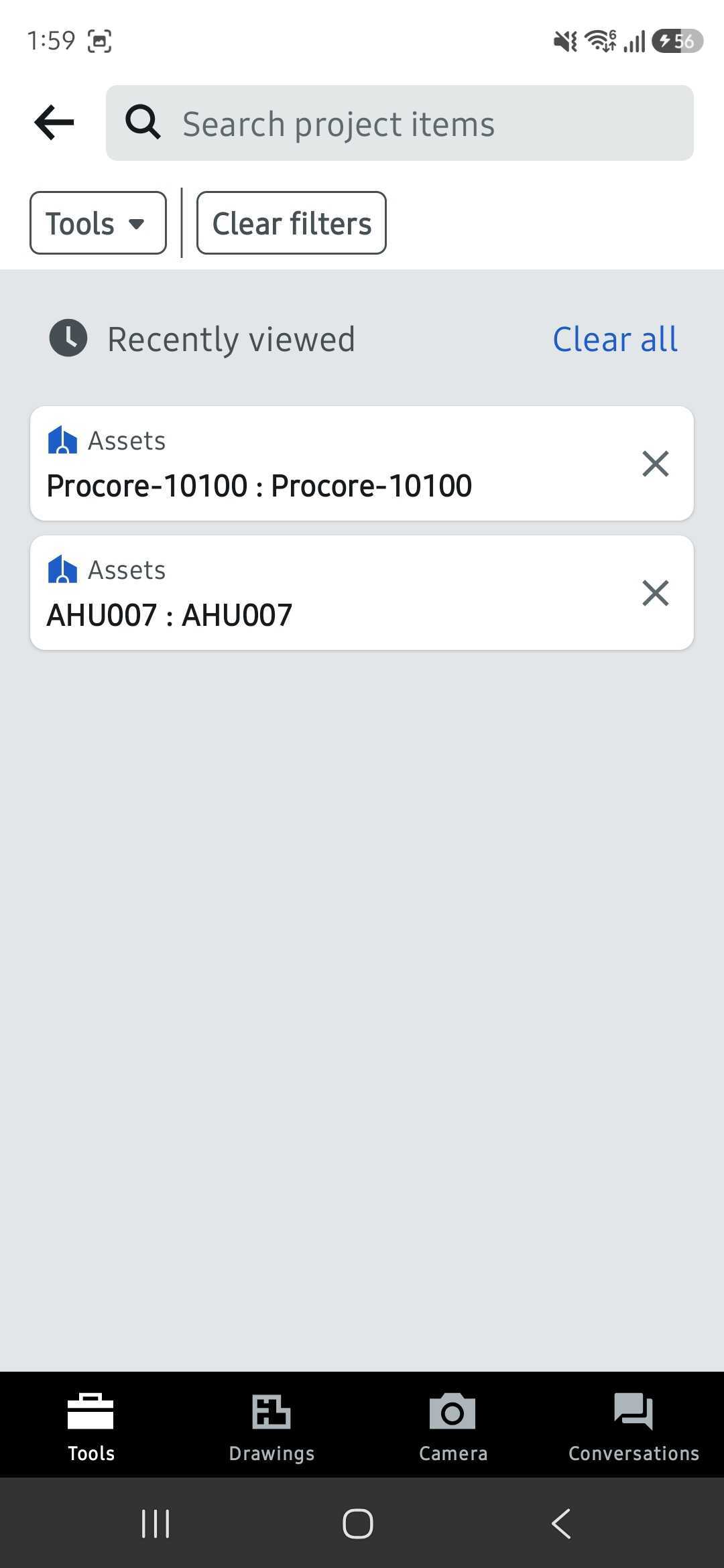
What it is: You can now search for assets right from the main search bar in the Procore mobile app. Type an Asset name, ID, or type and the matches come up — even partial ones — alongside everything else you search for on a project. Tap a result to jump straight to that Asset's details. It respects your project permissions, so you only see the assets you have access to. Works on iOS and Android. Who it's for: Field teams who need asset information on-site and anyone checking an asset when they're not standing right in front of it.
Why it matters: Until now, the only fast way to pull up an asset on mobile was to scan its QR code — which only works if you're in front of it. If you weren't, you had to stop and switch over to the web app. Now you can find any asset from the same search bar you already use, wherever you are on-site. Less stopping, less switching, and faster answers in the field.
How to get started: Enable the open beta in Procore Explore. Then open the Procore mobile app, tap the main search bar on a project and type an Asset name, ID, or type. Tap any result to open the Asset's details.
Beta beginning July