Procore Company Logo
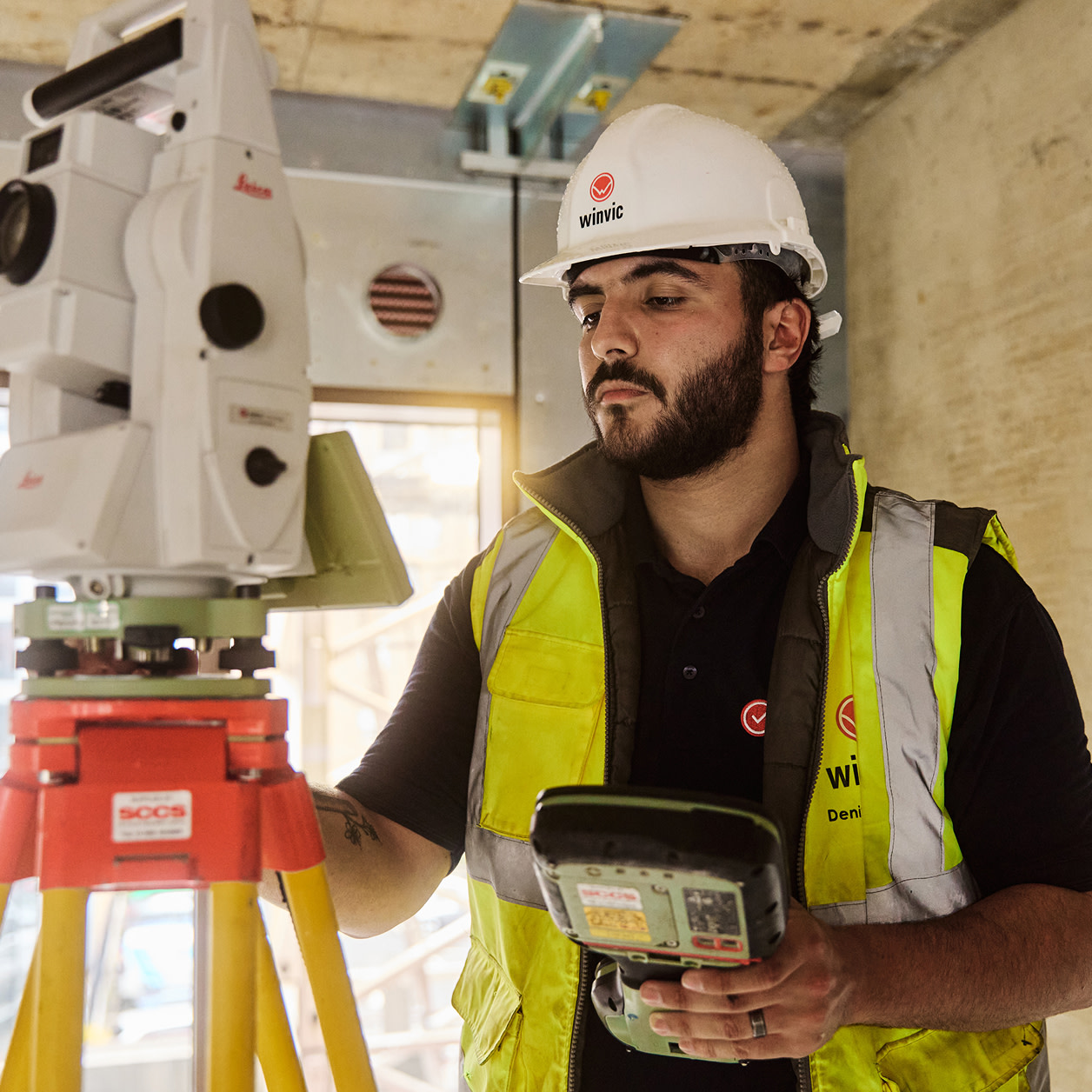
Construction worker colleagues looking at Procore software together on a device
Orange hexagon

Construction Document Management Software

Manage your documents effortlessly, from anywhere

Procore’s document management tool streamlines document storage, sharing and access – whether on-site or in the office.

Effortlessly manage project documents

Procore centralises all your documents, making tracking versions, sharing securely and maintaining access across teams easy.

Learn more

icon_connection illustrated icon

Unlimited storage

Store as many documents as needed without worrying about extra fees or limitations. Procore offers unlimited storage for your projects.

icon_data illustrated icon

Secure access

Control who can view or edit documents with customisable permissions, ensuring secure access for the right team members.

icon_Project Management illustrated icon

Easy version control

Automatic revision control means your team always works from the latest document version – no more confusion or errors.

icon_Team illustrated icon

Quick document sharing

Share documents instantly with your team, whether on-site or in the office, with varying permission levels for each user.

icon_platform illustrated icon

View DWG files directly

Procore’s built-in viewer lets you view DWG files without leaving the platform, making collaboration smoother and more efficient.

Procore's Documents tool on a desktop

Unlimited storage

Store all your documents with no limits

With Procore’s document management tool, you get unlimited storage at no extra cost, so you never have to worry about running out of space for your project files. Store as many documents as you need, hassle-free. You can:

  • Store all your documents with no limits, keeping everything organised and easily accessible

  • Instantly access your files without the hassle of managing file sizes or worrying about capacity

  • Protect your data with Procore’s secure, encrypted cloud storage for peace of mind

Request a demo

A contractor crossing his arms in front of his body posing for the camera

Secure documents

Keep your documents safe and backed up

Procore ensures that your documents are securely stored and automatically backed up across multiple servers, providing extra peace of mind. You can rely on Procore for secure, private storage with redundancy. Discover how to:

  • Ensure secure storage with encrypted backups

  • Store documents privately with access control and permissions

  • Protect your data with automated backups on multiple servers

Procore's Documents tool on a desktop

Document linking

Procore makes linking documents to key project elements like variations, drawings or RFIs easy, keeping everything organised and connected. You’ll have quick access to everything you need with just a few clicks. Find out how to:

  • Connect RFIs to drawings for a faster, more seamless review

  • Attach photos to snag list items to make communication clearer and more effective

  • Link documents to project elements for easy, quick reference when you need it

A woman contractor taking a picture of a construction site on her phone

On-site access

Access documents anywhere, at any time

With Procore, your team can browse a project’s directories and share documents directly from the site, making it easier to stay connected no matter where you are. No more waiting to get back to the office to access important files – everything you need is at your fingertips. You can:

  • Browse project files directly from any device, whether in the office or on-site

  • Share essential documents instantly with your team in real time

  • Stay connected to the latest project updates, no matter your location

Two contractors inspecting a site

Asset sharing

Share documents instantly with your team

Procore makes sharing documents with your team simple. Whether on-site or in the office, you can quickly upload, view and download project files. Plus, with customisable permissions, you can ensure the right people have access when needed. You can:

  • Upload, view and share documents instantly with your team

  • Control access by setting permissions for each team member

  • Ensure security by restricting access to only the people who need it

Procore's Documents tool on a desktop and a phone

Easy uploads

Import files from anywhere

With Procore, you can easily upload documents and files from both your computer and mobile device, keeping everything in sync across teams. Plus, you can email files directly to a unique project address, making it easy to stay connected even when you’re on the move. See how to:

  • Save time by uploading files quickly from any device

  • Stay connected by sending files through email to a dedicated project address

  • Streamline collaboration with fast and easy file sharing, wherever you are

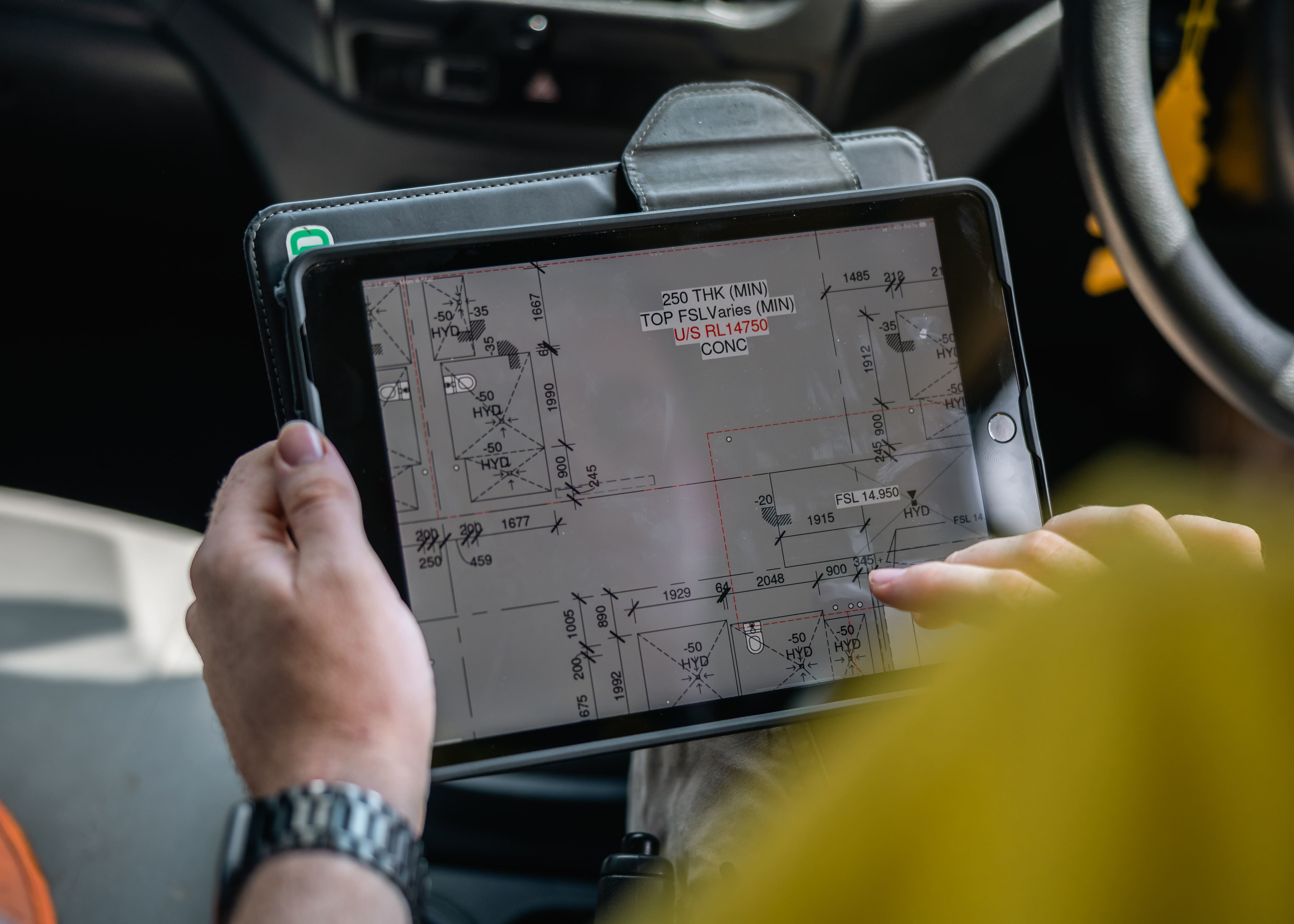
A contractor using Procore on a tablet

Customer Story

I knew I had about 900 design documents incoming… Now we have a single place for all our documents and we’re not having to navigate multiple tools anymore.

Laura O’Sullivan

Assistant Commissioning Manager

MiCiM

Tap into 500+ integrations and apps you love working with

If we don't build it, chances are, there's an app or integration for it on our marketplace. So you can work the way you want to, all without ever leaving Procore.

Explore all integrations

FAQ

Procore’s construction document management software is a comprehensive platform that seamlessly helps construction teams manage, organise and share project documents. It centralises all documents, from drawings and contracts to RFIs and photos, in one secure, cloud-based location.

Some key features include:

  • Version control – automatically tracks document revisions, so your team always works from the latest version

  • Secure storage – provides unlimited cloud storage for documents with customisable access permissions.

  • Real-time collaboration – allows team members to share documents, track changes and collaborate efficiently across all project stages

  • Mobile access – enables site teams to access and upload documents on the go for powerful

Procore’s document management software ensures that all project stakeholders – from the office to the site – can access the most current, accurate information, improving communication, reducing errors and streamlining workflows.

All businesses have to track, organise, share and manage their critical documents – but due to the nature of construction work, a secure, digital, cloud-based document storage system is especially critical for construction documents. Because construction project execution involves complex project management and stakeholder collaboration, construction companies have a particularly strong need for an end-to-end, cloud-based document management system.

Construction projects require collaboration with multiple stakeholders, managing communications across teams and ensuring everyone is working from current updated construction documents such as drawings, variations and RFIs. In the construction industry, it is critical to have project documents organised into a single source of truth. This ensures that the entire construction team has the complete and updated information they need in order to get the job done right.

  • Improve collaboration – By storing documents in a cloud-based, digital platform, you can easily provide team members and stakeholders with the right level of access and visibility.

  • Save time and reduce administrative burden – When you have a single source of truth for accessing project information, everyone can get the information they need with fewer phone calls, emails and interruptions.

  • Cost savings – With a digital document storage solution, you can reduce paper, printing and administrative costs associated with manual processes.

  • Unlimited storage – You need to be able to save all of your critical project documents in one place, for a single source of truth. Select a system with no storage limit to make sure you won’t have to pick and choose.

  • In the cloud – With a cloud-based system, you can access project documents such as drawings, variations, financial information such as budgets and costs, RFIs, submittals and more from anywhere, even from the site on mobile devices such as smartphones and tablets.

  • Unlimited users, with robust permission and access control – Make sure everyone on the project team, including subcontractors, vendors and other external stakeholders have the information they need (and nothing more).

  • File type support – Implement a system that can handle all of the file types you’ll need to run your project, including CAD (.dwg), word (.doc), spreadsheets (.xlsx), PDF and more.

  • User friendly – In order for document management to be successful, people need to be able to easily access and update files and information.

  • Version control – It should be easy for users to identify and access the most up-to-date version of any document, without second guessing. When a user attempts to open a document, they should automatically get the most up-to-date version.

  • Add and Manage File Metadata – With project metadata, you can efficiently filter, sort and find the information that you need, ensuring effective version control and creating a single source of truth for each file.

  • Review and Markup – Integrated review and markup allows you to review and approve packages of files in a single workflow experience, simplifying critical processes such as design review.

  • Naming Conventions – Enforce consistency and standardisation across files with custom naming standards for projects. Procore automatically pulls and pre-fills metadata from drawings.

  • Security – Use a document management system that is secure to keep your private information private. Look for a system that has had its security compliance validated and certified independently by a third party.

  • Integrated with other project management tools – Documents are no good if they are sitting in a filing cabinet. Make sure your teams can interact with key documents during project execution, and always have the information they need linked to their other tools.

Procore document management seamlessly integrates with the broader Procore platform to streamline workflows. For example, you can easily attach documents to transmittals within the Correspondence tool. Plus, Procore’s extensive App Marketplace offers even more ways to connect your document management system with other essential project tools.

Get started now

If you can send an email, you can use Procore. Streamlined construction is really that simple.

4.5(2,656)

4.6(43K)

4.1(3,100)

4.6(41K)