Procore Company Logo
Customer viewing a site drawing on a tablet
Orange hexagon

Construction Drawing Management Software

Easily view drawings in the office and on the job site

Avoid delays and rework by keeping everyone up-to-date.

Discover automated tools for drawing control

Procore’s drawing management software provides the automation you need to maintain the Golden Thread and manage every revision across your project life cycle.

Request a demo
icon_drawings illustrated icon

Automate your drawing register

Eliminate manual file management. Batch upload 100+ drawings and use OCR to instantly centralise all disciplines in one secure, accessible location for your entire team.

icon_checklist illustrated icon

Layer revisions with automated control

Track every design change with precise version control. Use revision layering and side-by-side comparison to ensure your site team never works from an outdated set.

icon_chat illustrated icon

Connect site and office collaboration

Markup drawings and link relevant RFIs or snagging items in real time to facilitate clear communication and close the feedback loop between site and office.

icon_mobile illustrated icon

Access latest plans from any location

Sync drawings to any mobile device for offline use. Your site teams can view the most recent programme and plans anywhere, reducing the risk of costly rework.

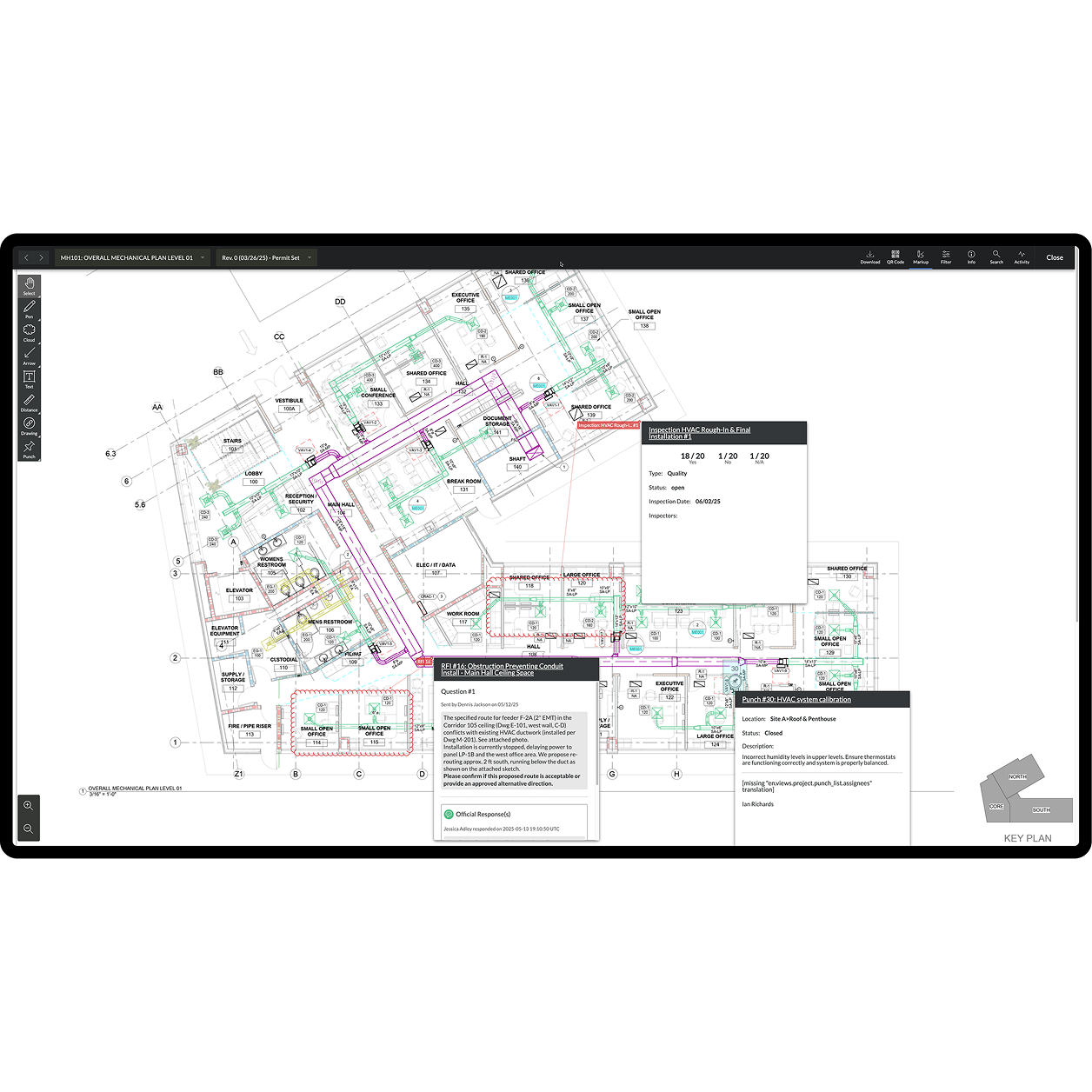
Procore's drawings tool UI on a tablet

Workflow automation

Automate drawing processing and save hours

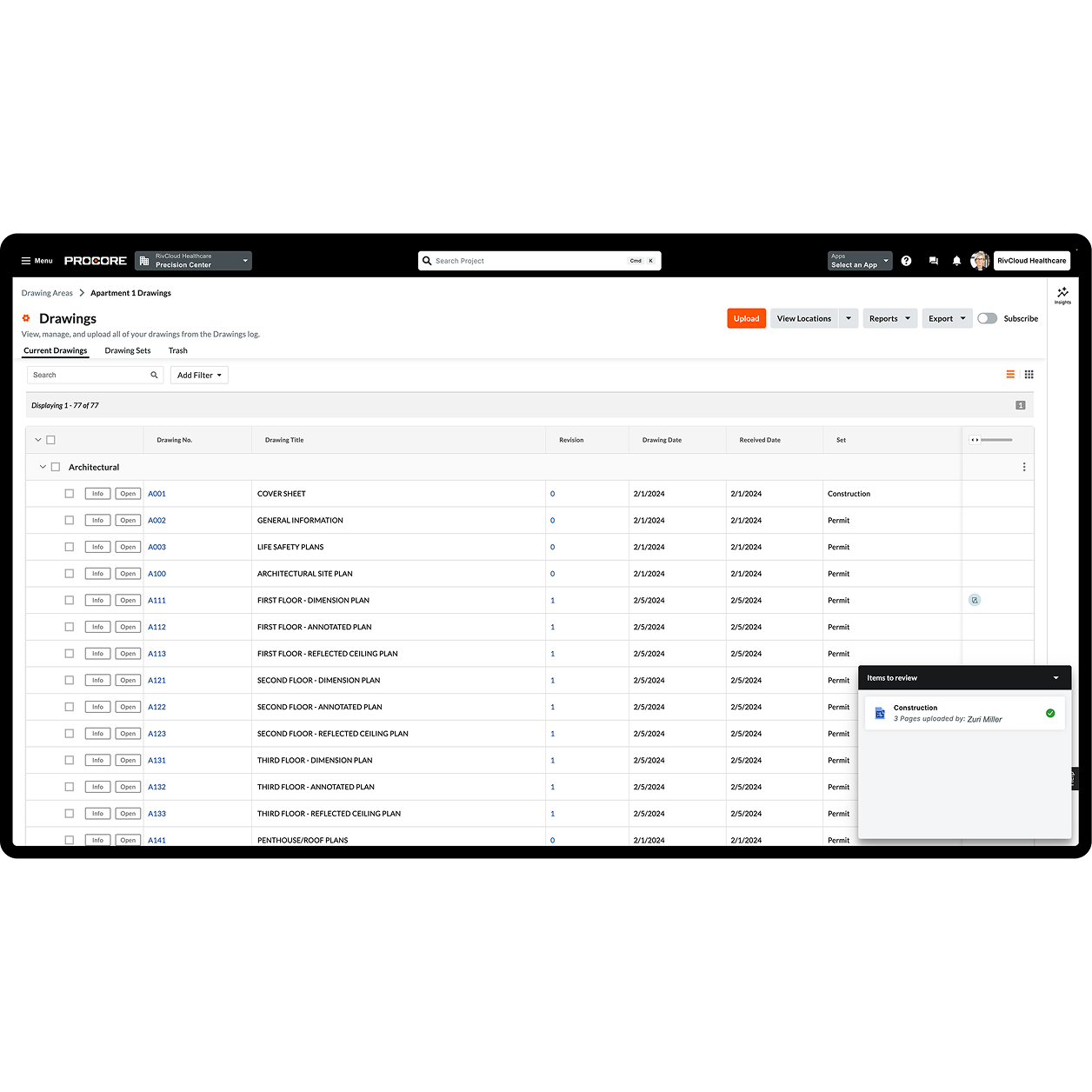
Leverage Procore’s intelligent features like OCR technology and the automatic splitting of drawing sets. This dramatically cuts down manual work, letting your team focus on critical tasks.

  • Reduce manual entry with automatic naming and numbering for quick organisation

  • Eliminate hours spent manually splitting large drawing sets upon upload

  • Speed up project startup and document organisation, getting to work faster
Request a demo
Screen capture of Procore's Drawing tool

Rework prevention

Eliminate rework with clear drawing control

Ensure your team always works with the correct information. Procore’s advanced version comparison and tracking features prevent errors and protect your projects from costly rework.

  • Avoid expensive mistakes by comparing drawing versions instantly

  • Ensure all stakeholders are always on the most current set of drawings

  • Protect against financial risk stemming from version confusion and outdated plans

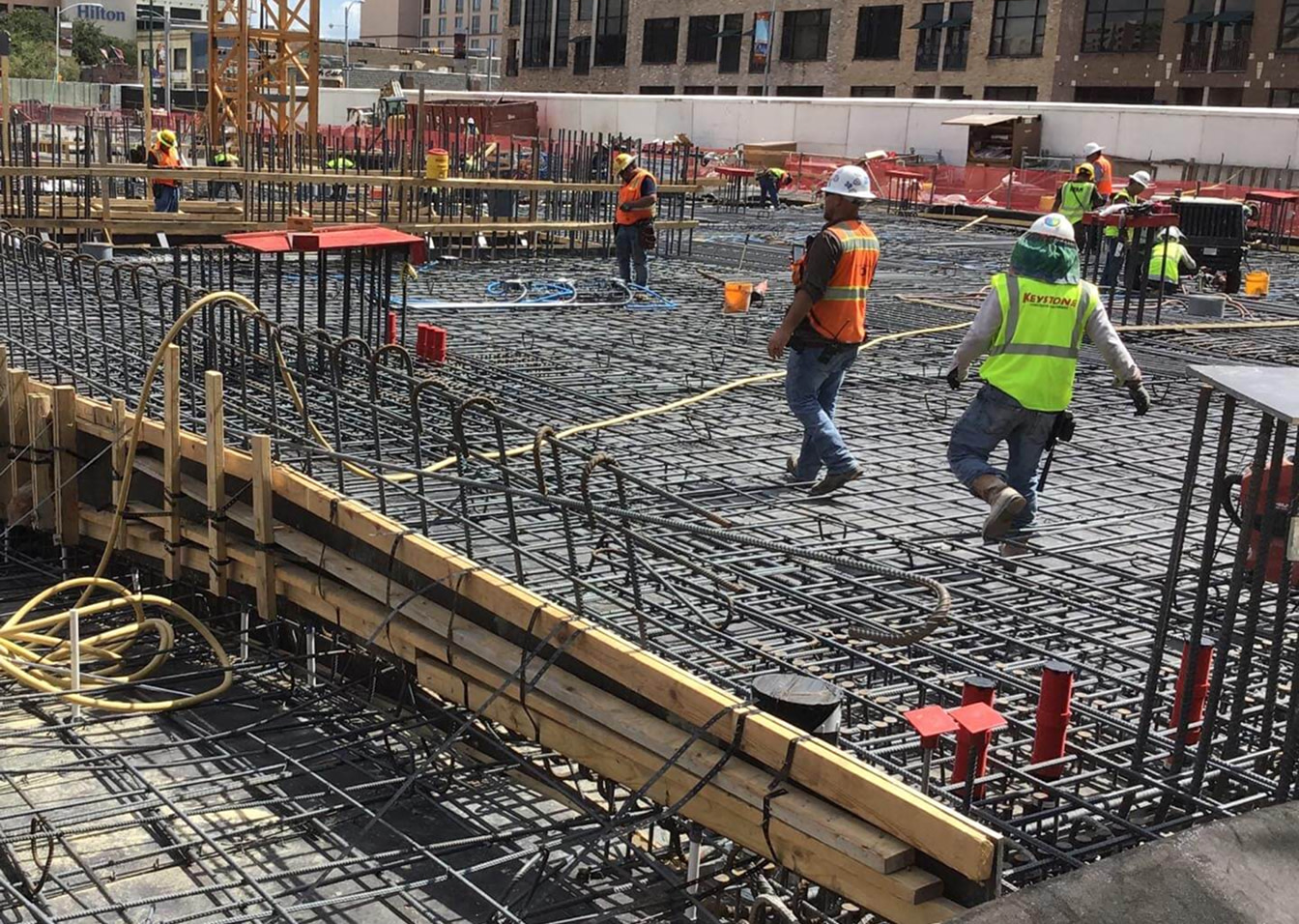
A woman construction worker using a tablet on site

Site productivity

Boost site productivity with mobile access

Empower your site teams with immediate access to project drawings, even offline. Procore’s mobile capabilities mean your crews always have the latest information at their fingertips.

  • Equip site teams with constant, up-to-date access to all drawings on site

  • Maintain productivity on remote sites or areas with no internet connectivity

  • Ensure quick sync of changes once online, minimising delays and keeping records current

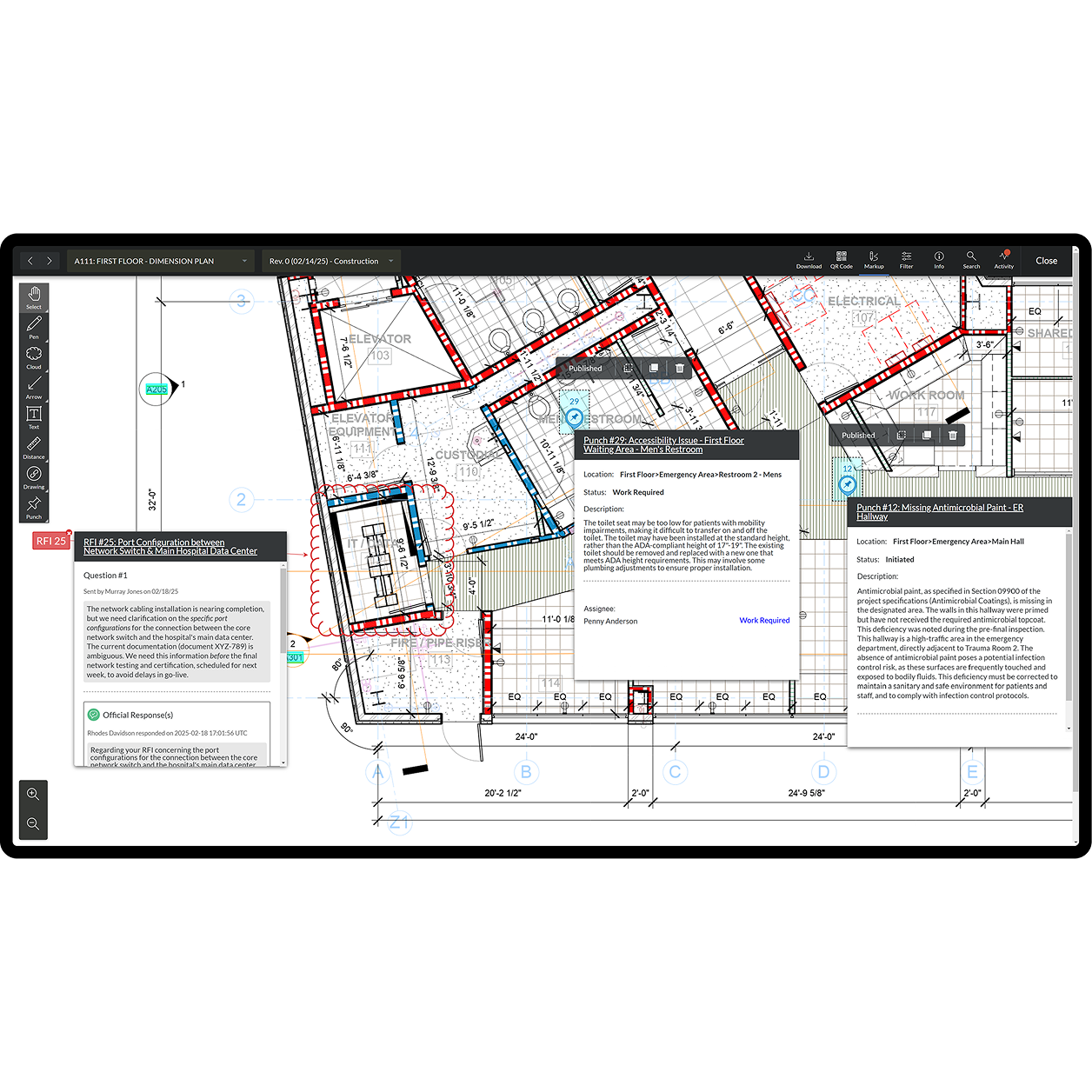
Procore's Drawings tool UI on a tablet

Enhanced collaboration

Improve team collaboration and communication

Break down communication barriers. Procore enables all collaborators to mark up drawings, link relevant project items and share revisions automatically, facilitating seamless teamwork.

  • Facilitate more transparent communication with direct drawing markups and notes

  • Connect drawings to RFIs, snag lists and submittals for full context

  • Empower more team members to upload drawings, speeding up updates and alignment

Interior of a data center

Customer Story

The Drawings tool is fantastic, especially when you understand the pain of building something from the wrong revision!

Fergus Nugent

Technical Manager

Ardmac

Tap into 500+ integrations and apps you love working with

If we don't build it, chances are, there's an app or integration for it on our marketplace. So you can work the way you want to, all without ever leaving Procore.

Explore all integrations

Bring more of your work together

See how connected solutions work together to support every stage of construction and help teams build with confidence.

Project Execution

Build confidently on a single platform that seamlessly connects office and site.

Learn more

Cost Management

Drive predictable outcomes with real-time visibility into project financials.

Learn more

Resource Management

Boost your bottom line by optimising every crew, hour, and piece of equipment.

Learn more

Project Lifecycle Management

Unify budgets, contracts, and site progress into a single source of truth.

Learn more

FAQ

Construction drawing management software is a centralised, cloud-based tool that helps you store, organise and manage every drawing and revision for a project. Its primary purpose is to ensure all project stakeholders are always working from the latest set of drawings, whether they’re in the office or on the jobsite.

Procore helps you prevent costly rework by providing precise document control. Our software includes advanced features like version comparison and tracking, which ensure that your team always works with the latest set of approved drawings. This eliminates the financial risk and project delays that stem from outdated plans.

Yes. Procore’s mobile-ready features empower your site teams with immediate access to all project drawings, even without an internet connection. Any changes or markups made offline will automatically sync with the platform once a connection has been re-established, ensuring your records are always current and your teams stay productive.

Procore’s Drawings tool can centralise and manage any project drawing from any discipline. It’s designed to be a single, secure hub for every drawing and revision, supporting effective document control throughout your project’s entire life cycle.

How does Procore improve collaboration with drawings? Procore breaks down communication barriers by bringing all drawing-related collaboration into one integrated platform. Teams can mark up drawings directly, add comments and link relevant project items like RFIs and snag lists. This makes communication more transparent and ensures everyone has the full context needed to move work forward.

Get started now

If you can send an email, you can use Procore. Streamlined construction is really that simple.

4.5(2,659)

4.6(44K)

3.8(3,100)

4.6(4,167)