Procore Company Logo
Contractors inspecting a site
Orange hexagon

Construction daily report software

Simplify daily reporting and keep projects on track

Report every aspect of daily project activities, including labour, communication, equipment, materials, weather, worksite events and more.

Quickly capture daily project details from anywhere

Procore’s Site Diary tool helps you track worksite activities, labour and weather without wasting hours on paperwork. Stay organised and keep your team aligned with mobile construction daily reports.

Learn more

icon_renewable-energy illustrated icon

Automate weather tracking

Record daily weather conditions automatically so you can focus on the work.

icon_capital illustrated icon

Archive data

Store daily reports securely and find them any time you need.

icon_reporting illustrated icon

Track labour productivity

Register working hours and activity to monitor costs and improve performance.

icon_Timesheet illustrated icon

Simplify reporting

Reduce admin time with fast, accurate daily report creation.

A contractor looking out from an empty building

Weather

Track and archive worksite weather automatically

Procore automatically registers the daily weather report for your site, with the option to add site-specific details manually when needed. Discover how to:

  • Save time with automated weather entry

  • Build more accurate reports with site-specific insights

  • Protect your project with a detailed, trustworthy weather record
Request a demo

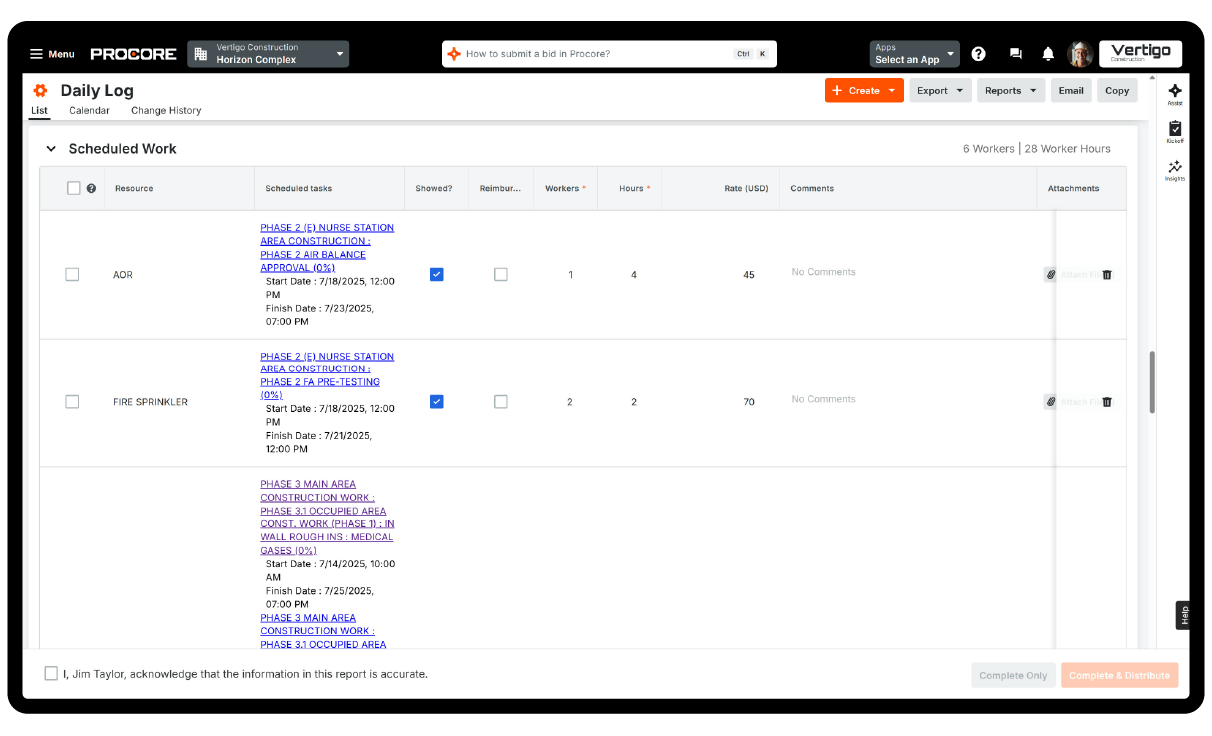
Procore's Daily Log tool UI on a desktop

Program

Connect site diaries with your project program

See pre-programmed tasks alongside daily reports. Track subcontractors, hours worked and task progress with ease. See how you can:

  • Stay organised by seeing programmed tasks alongside daily activity

  • Control costs and improve accountability with clear labour tracking

  • Keep projects on track with easy program integrations

A construction worker fixing his gloves

Customisation

Tailor daily reports to match your workflow

Easily configure sections, order and filters using drag-and-drop tools. Quickly report, print or export the data you need. Plus, find out how to:

  • Work the way you want with flexible, drag-and-drop register layouts

  • Find the data you need quickly with powerful search and filters

  • Share insights easily by exporting reports to PDFs or spreadsheets

Close up of a man holding a tablet

Archiving

Securely store site diaries for easy access at any time

Your site diaries are automatically archived and backed up on multiple servers. Export entries as PDFs when needed. You can also:

  • Protect your records with secure, automatic backups

  • Make informed decisions with easy access to historical data

  • Share information effortlessly with exportable PDF reports

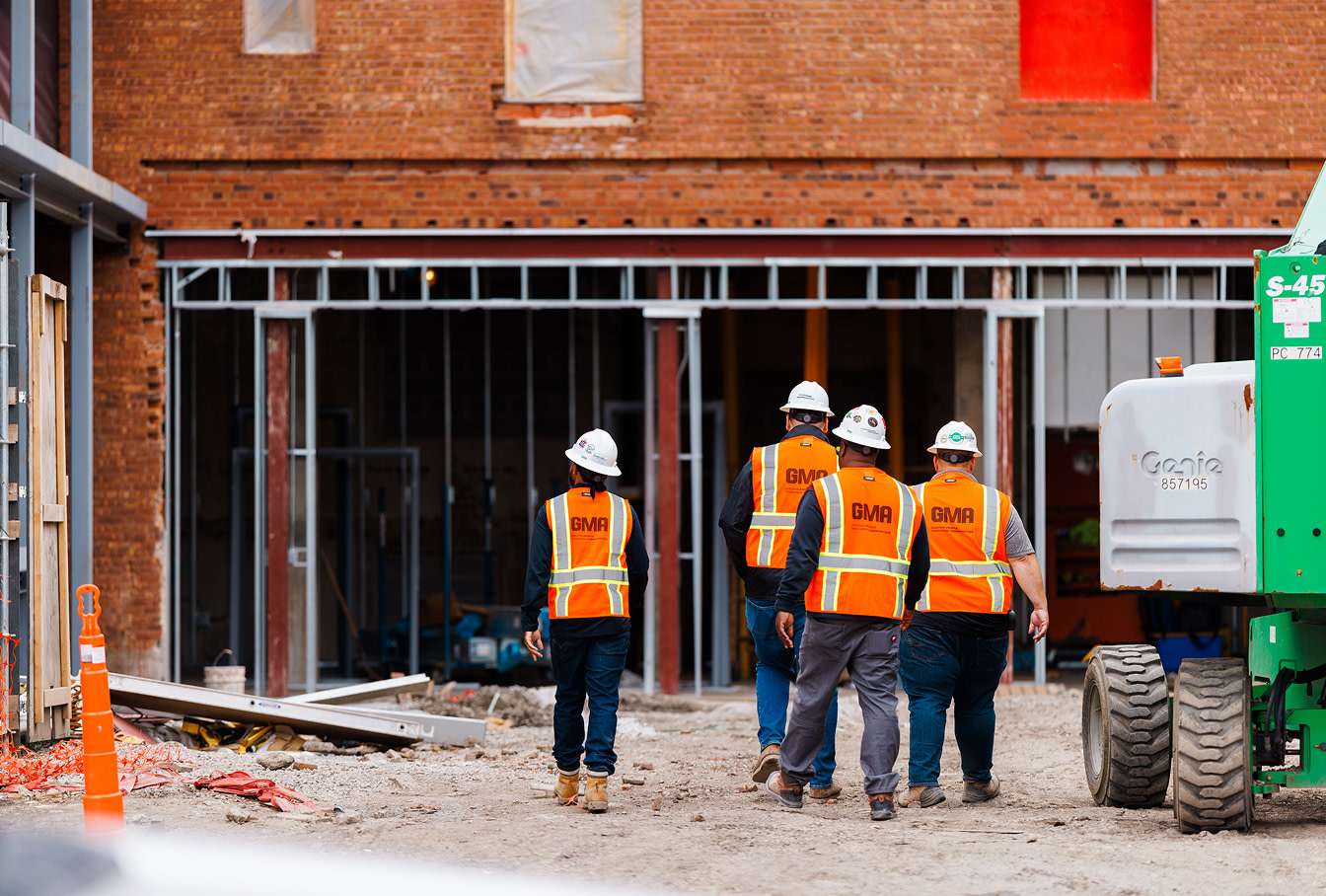
4 construction workers walking towards a building

Customer Story

Procore has increased the effectiveness and overall quality of our site diaries exponentially.

Brian Schmidt

Senior Project Manager

Martin-Harris

Tap into 500+ integrations and apps you love working with

If we don't build it, chances are, there's an app or integration for it on our marketplace. So you can work the way you want to, all without ever leaving Procore.

Explore all integrations

FAQ

Construction daily reporting is used to track and monitor the progress of an ongoing construction project. Usually, the job foreman, site manager or project manager fills in the registers, collecting input for each day of work and noting everything that happens on site. Construction daily reports can include a wide range of information, from weather conditions to personnel on site, materials received, equipment used and a general summary of the day’s activities. This also means including what got done and what, if anything, was delayed and why. In the old days, this information was all collected manually and stored in a three-ring binder, but the process has been largely digitalised.

Construction daily reports help keep a project on track and create a detailed archive of a project’s progress without relying on the memory of a project foreman compiling a week’s worth of project notes on a Friday afternoon. Most importantly, construction daily reports can help head off project disputes. The more detailed a register is, the better it will serve as evidence if the contractor ends up in court.

Procore’s Site Diary tool gives every project stakeholder access to information about a project’s progress without ever needing to visit the site. Construction daily reports automate much of the process – for example, automatically logging weather conditions so that site supervisors can focus their reporting on the major day-to-day happenings. Daily reports also add a layer of accountability since it keeps a detailed track of who was responsible for what. Site diaries also let project managers track planned versus actual costs to identify discrepancies. If there’s a change in management or other personnel, site diaries kept by the previous manager serve as a record of everything that’s gone on so far, so a job can pick up where it left off.

Procore’s Site Diary tool is much more sophisticated than simple site notes. It automates many aspects of the process of updating the register, freeing up supervisors to focus on other tasks. Within Procore, a supervisor can get a holistic view of a project with ease, thanks to its dynamic filtering and search capabilities. Everything from how many working hours were used over the last week to which subcontractors performed the work is easily accessible. Procore Site Diary lets you easily collect this information to share, report, print or export to a spreadsheet.

The three-ring binder had its time, but it’s being replaced by software like Procore’s Site Diary tool for obvious reasons. First, the information entered is automatically archived and saved across multiple servers, eliminating any chance of missing pages or illegible handwritten notes. The Site Diary tool is also tightly integrated with Microsoft Project and works with various scheduling software formats. Keeping registers in a digital format makes them easier to share and impossible to lose, and it ensures every stakeholder is working from the same up-to-date information.

Get started now

If you can send an email, you can use Procore. Streamlined construction is really that simple.

4.5(2,656)

4.6(43K)

4.1(3,100)

4.6(41K)