Procore Company Logo
Customer viewing a site drawing on a tablet
Orange hexagon

Construction Drawing Management Software

Easily view drawings in the office and on the job site

Avoid delays and rework by keeping everyone up-to-date.

Discover smart features for drawing control

Procore’s construction drawings software offers powerful features to centralise, organise and manage every drawing and revision throughout your project life cycle.

Request a demo

icon_drawings illustrated icon

Centralise all your project drawings

Say goodbye to scattered files. Keep every drawing, from any discipline, in one secure, accessible location for your entire team.

icon_checklist illustrated icon

Control drawing versions and revisions

Easily track changes and compare revisions with precise version control. Understand how designs evolve and ensure everyone works from the latest set.

icon_chat illustrated icon

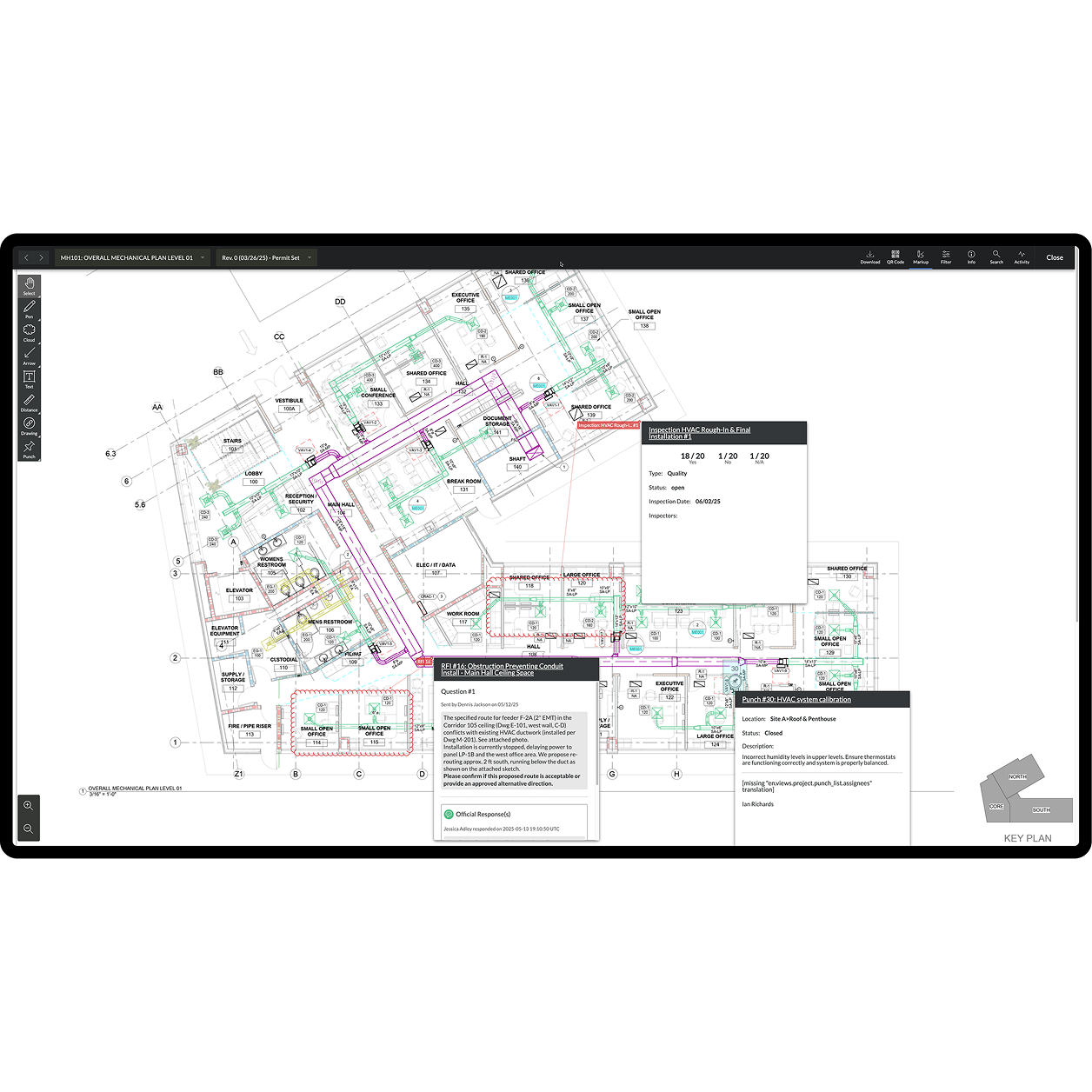
Streamline markup and collaboration

Annotate drawings, add comments and collaborate in real time with your team and stakeholders, facilitating clear communication and quick feedback loops.

icon_mobile illustrated icon

Access drawings from anywhere, anytime

Get drawings and documents on any mobile device, even offline. Your site teams can always stay updated, reducing costly errors and delays.

Procore's drawings tool UI on a tablet

Workflow automation

Automate drawing processing and save hours

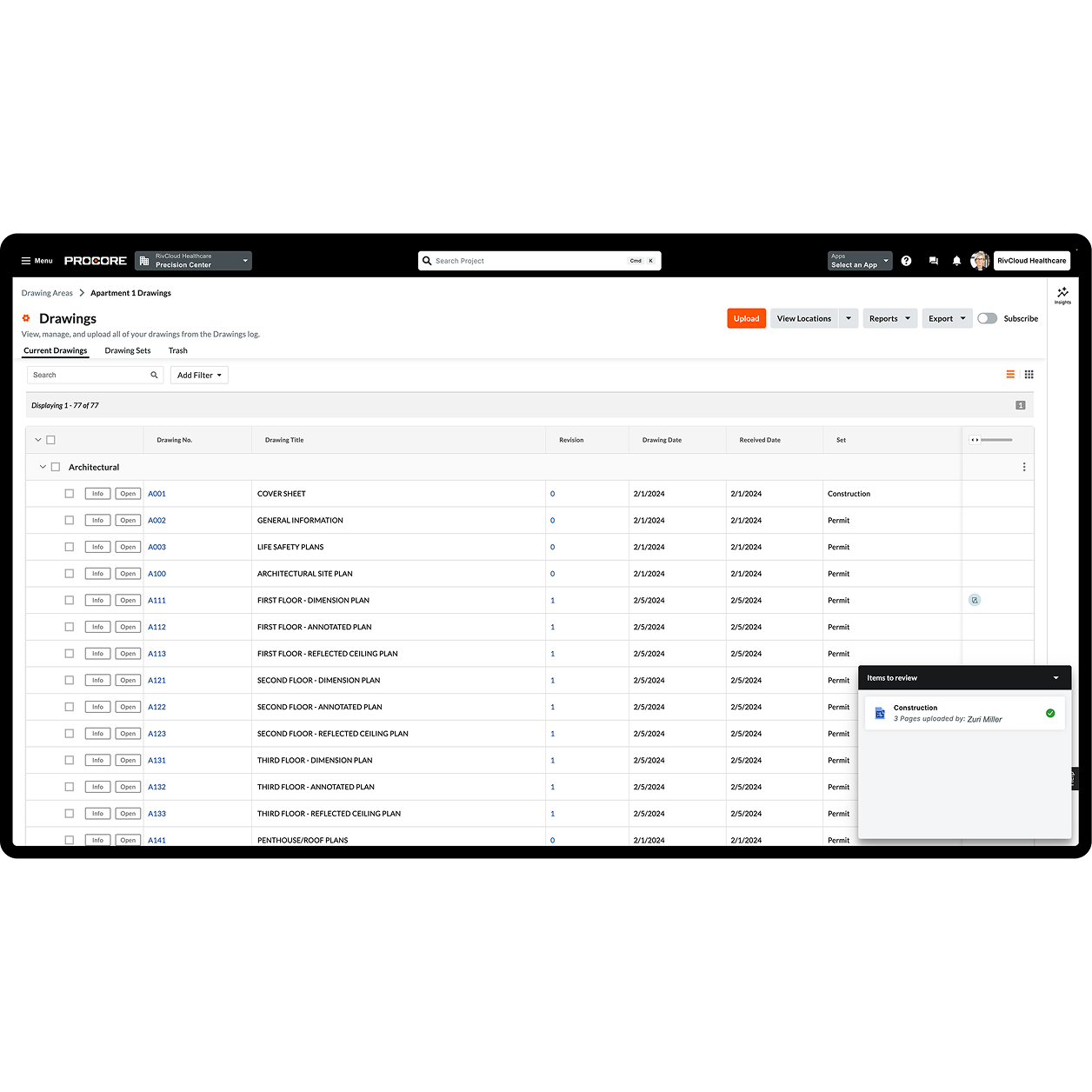
Leverage Procore’s intelligent features like OCR technology and the automatic splitting of drawing sets. This dramatically cuts down manual work, letting your team focus on critical tasks.

  • Reduce manual entry with automatic naming and numbering for quick organisation

  • Eliminate hours spent manually splitting large drawing sets upon upload

  • Speed up project startup and document organisation, getting to work faster
Request a demo

Screen capture of Procore's Drawing tool

Rework prevention

Eliminate rework with clear drawing control

Ensure your team always works with the correct information. Procore’s advanced version comparison and tracking features prevent errors and protect your projects from costly rework.

  • Avoid expensive mistakes by comparing drawing versions instantly

  • Ensure all stakeholders are always on the most current set of drawings

  • Protect against financial risk stemming from version confusion and outdated plans

A woman construction worker using a tablet on site

Site productivity

Boost site productivity with mobile access

Empower your site teams with immediate access to project drawings, even offline. Procore’s mobile capabilities mean your site teams always have the latest information at their fingertips.

  • Equip site teams with constant, up-to-date access to all drawings on site

  • Maintain productivity on remote sites or areas with no internet connectivity

  • Ensure quick sync of changes once online, minimising delays and keeping records current

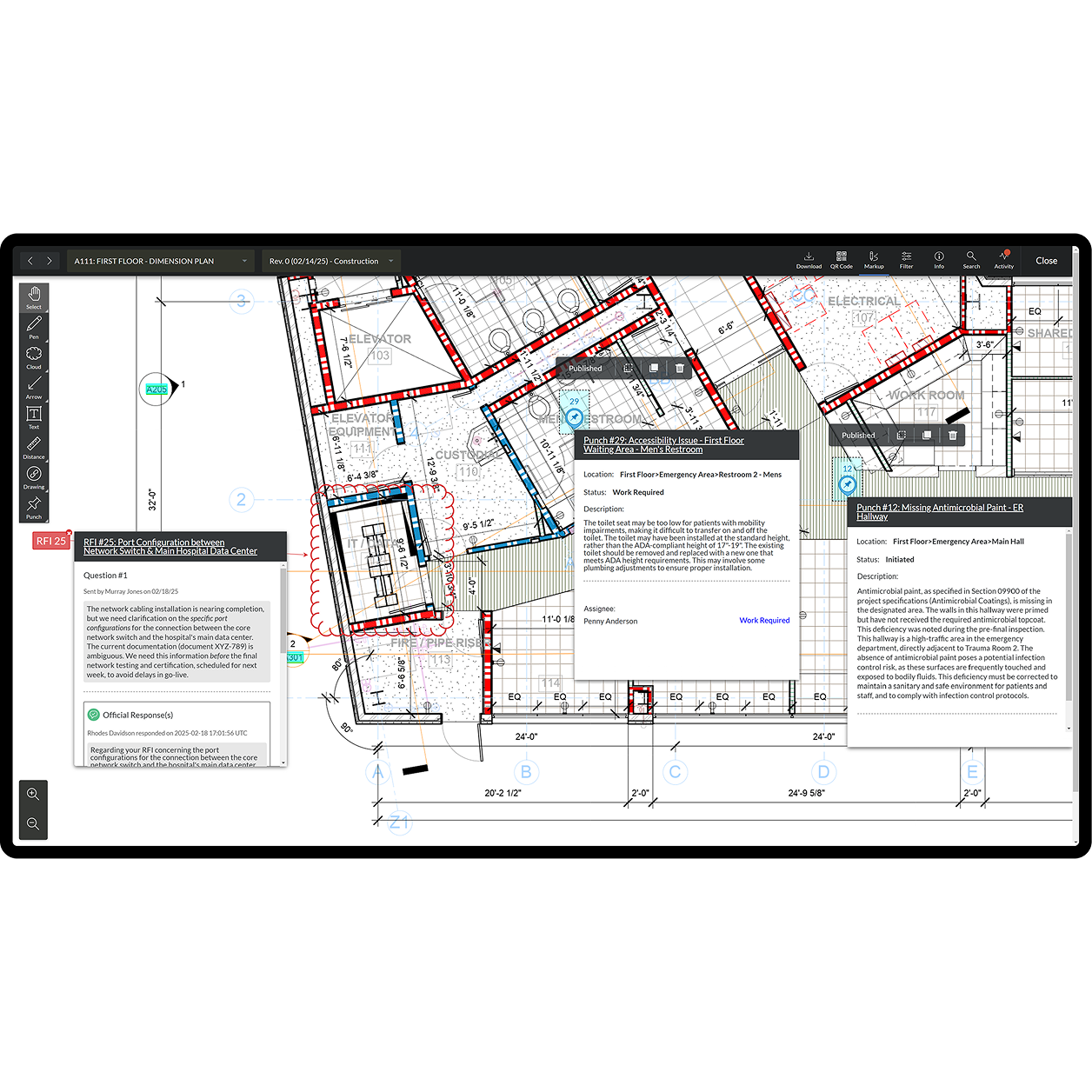
Procore's Drawings tool UI on a tablet

Enhanced collaboration

Improve team collaboration and communication

Break down communication barriers. Procore enables all collaborators to mark up drawings, link relevant project items and share revisions automatically, facilitating seamless teamwork.

  • Facilitate more transparent communication with direct drawing markups and notes

  • Connect drawings to RFIs, defect lists and submittals for full context

  • Empower more team members to upload drawings, speeding up updates and alignment

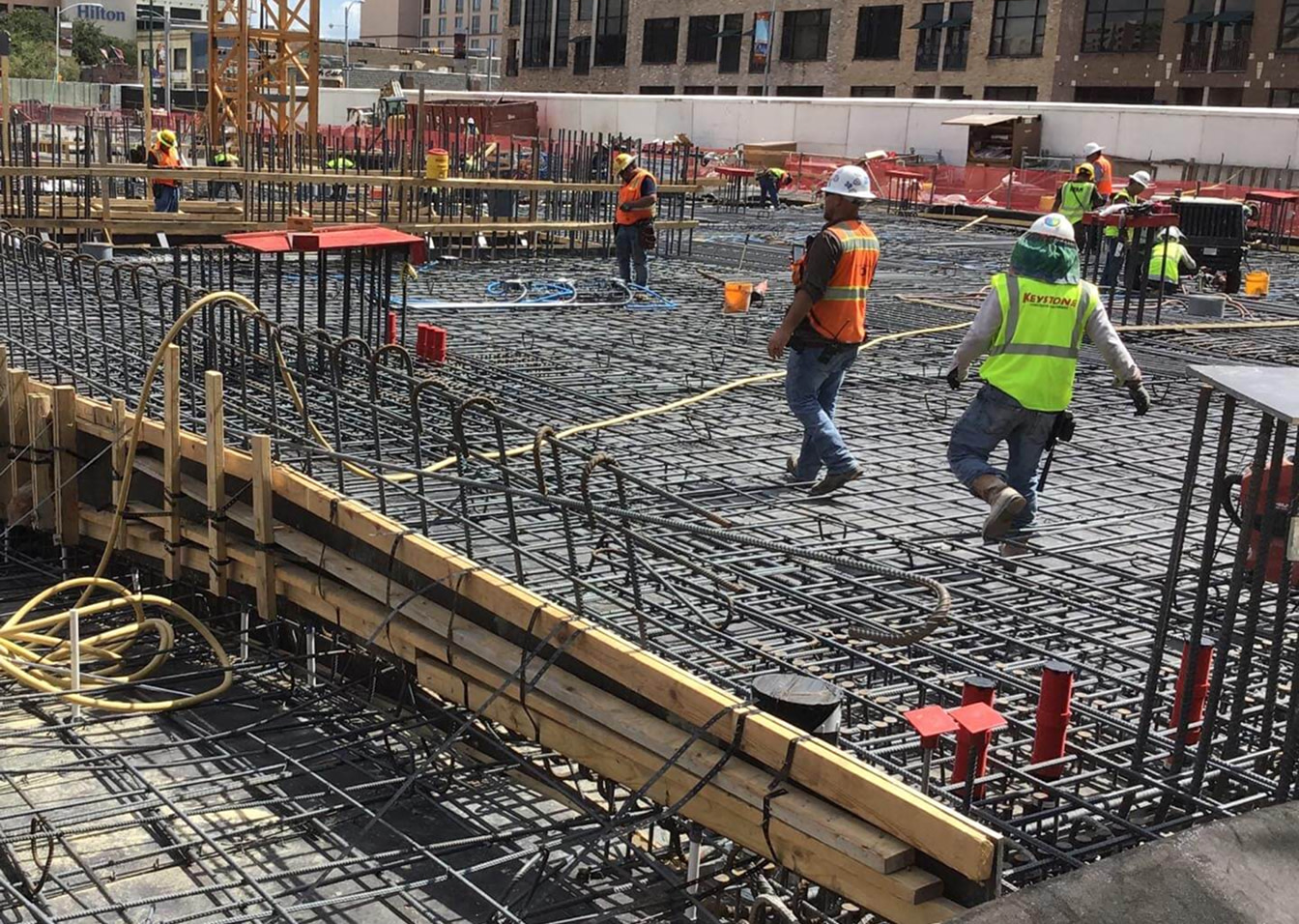
Construction workers in safety gear walking on steel rebar grid at site.

Customer Story

The Drawings tool is fantastic, especially when you understand the pain of building something from the wrong revision!

Fergus Nugent

Technical Manager

Ardmac

Tap into 500+ integrations and apps you love working with

If we don't build it, chances are, there's an app or integration for it on our marketplace. So you can work the way you want to, all without ever leaving Procore.

Explore all integrations

FAQ

Construction drawing management software is a centralised, cloud-based tool that helps you store, organise and manage every drawing and revision for a project. Its primary purpose is to ensure all project stakeholders are always working from the latest set of drawings, whether they’re in the office or on the worksite.

Procore helps you prevent costly rework by providing precise document control. Our software includes advanced features like version comparison and tracking, which ensure that your team always works with the latest set of approved drawings. This eliminates the financial risk and project delays that stem from outdated plans.

Yes. Procore’s mobile-ready features empower your site teams with immediate access to all project drawings, even without an internet connection. Any changes or markups made offline will automatically sync with the platform once a connection has been re-established, ensuring your records are always current and your teams stay productive.

Procore’s Drawings tool can centralise and manage any project drawing from any discipline. It’s designed to be a single, secure hub for every drawing and revision, supporting effective document control throughout your project’s entire life cycle.

How does Procore improve collaboration with drawings? Procore breaks down communication barriers by bringing all drawing-related collaboration into one integrated platform. Teams can mark up drawings directly, add comments and link relevant project items like RFIs and defect lists. This makes communication more transparent and ensures everyone has the full context needed to move work forward.

Get started now

If you can send an email, you can use Procore. Streamlined construction is really that simple.

4.5(2,656)

4.6(43K)

4.1(3,100)

4.6(41K)