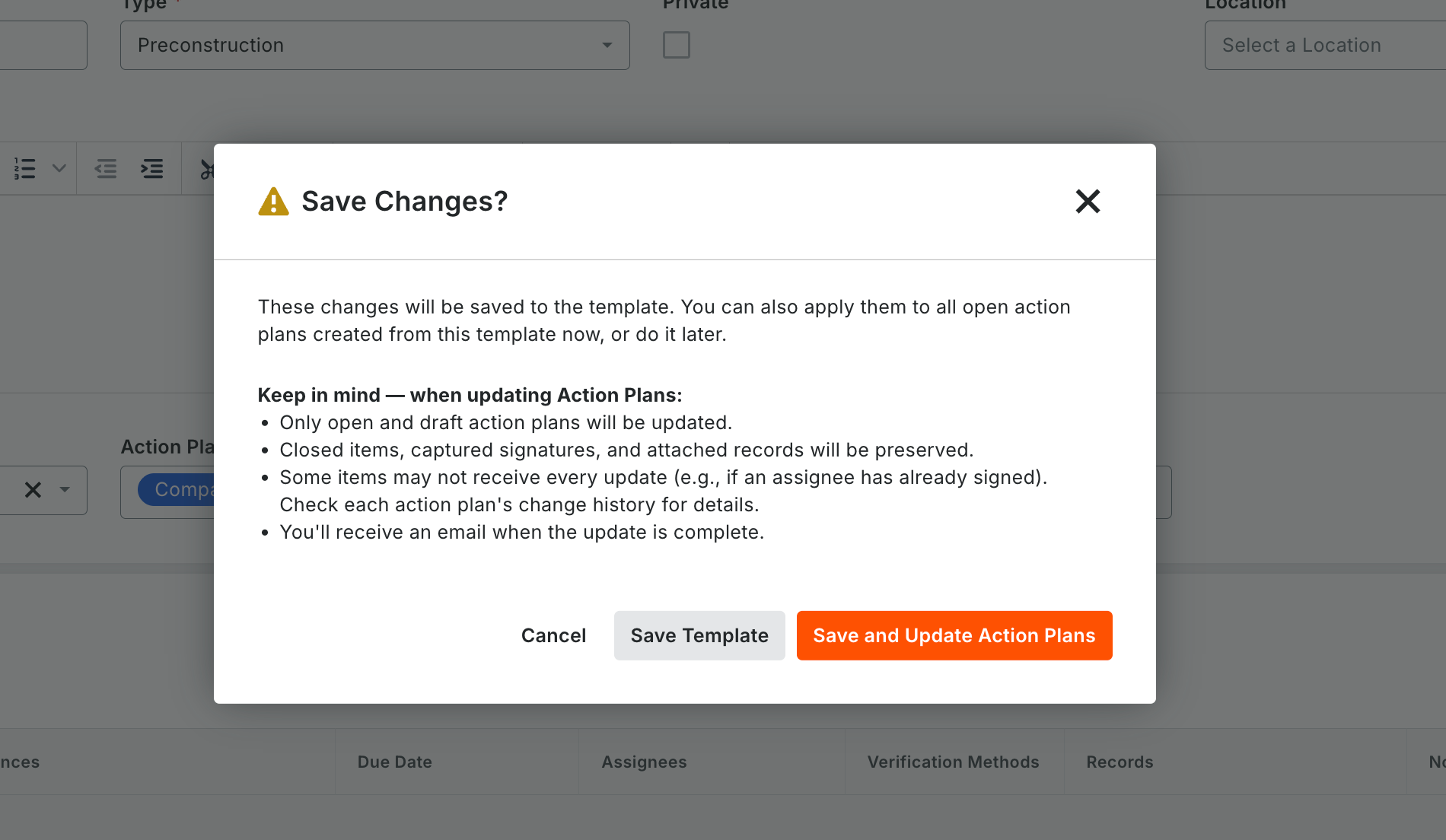
What it is: When you update a project-level Action Plan template, you can push the changes to existing plans built from it. Updates include general information, sections, items and other fields. Existing signatures and completed items are preserved. Who it’s for: Quality managers and project admins running standardized workflows such as inspection and test plans (ITPs), especially on large or multi-unit projects. Why it matters: Updating each plan by hand after a template change can take hundreds of clicks and lead to inconsistencies. Pushing changes from the template keeps every plan current and compliant in a fraction of the time. How to get started: Edit the project-level template and apply the changes. See “Apply Template Changes to Existing Action Plans” and “Best Practices for Applying Action Plan Template Changes.”