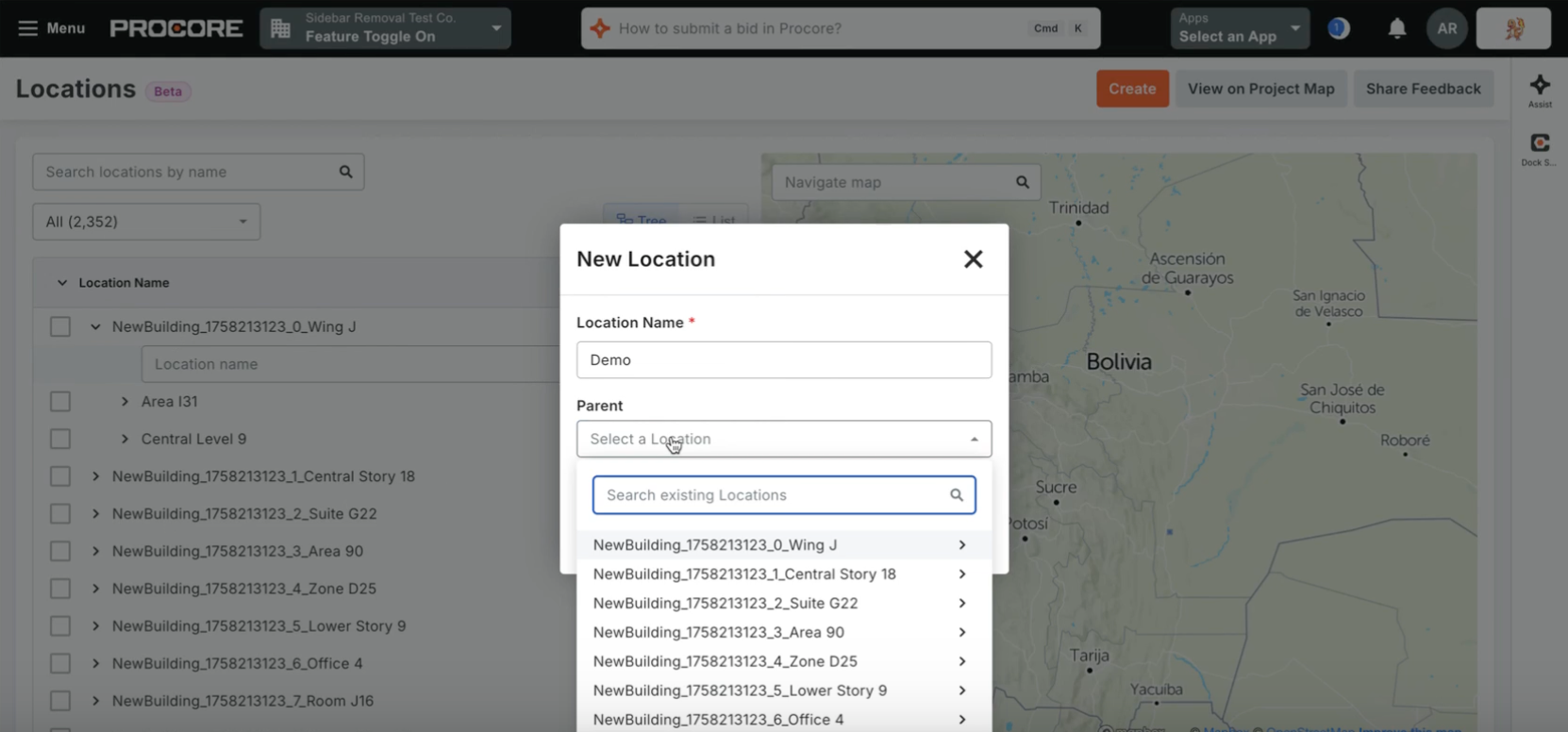
The Beta will begin May 19. The new Locations Tool brings full spatial management out of the backend settings and directly into a dedicated, permission-controlled project tool. This web-based hub allows users to create, edit, delete, and search for locations using an improved hierarchical list or tree view. Going beyond simple text tags, the tool lets you define your project locations as physical features on an interactive map using points, paths, or polygons. It also includes powerful time-saving features like bulk-importing locations (via CSV or the BIM Revit Plugin), exporting to CSV, and generating printable QR codes for the field.
Project Managers, Project Admins, Virtual Construction Managers, and Field Teams at General Contractors, Specialty Contractors, and Owner organizations. It is especially critical for teams managing expansive horizontal projects (Civil & Infrastructure) or complex vertical builds who need precise geographic organization.
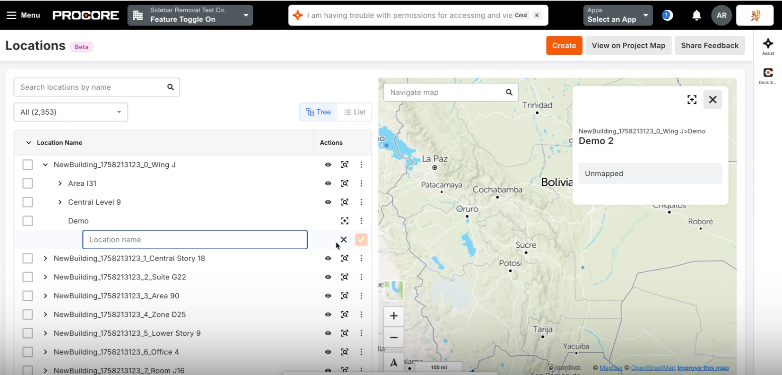
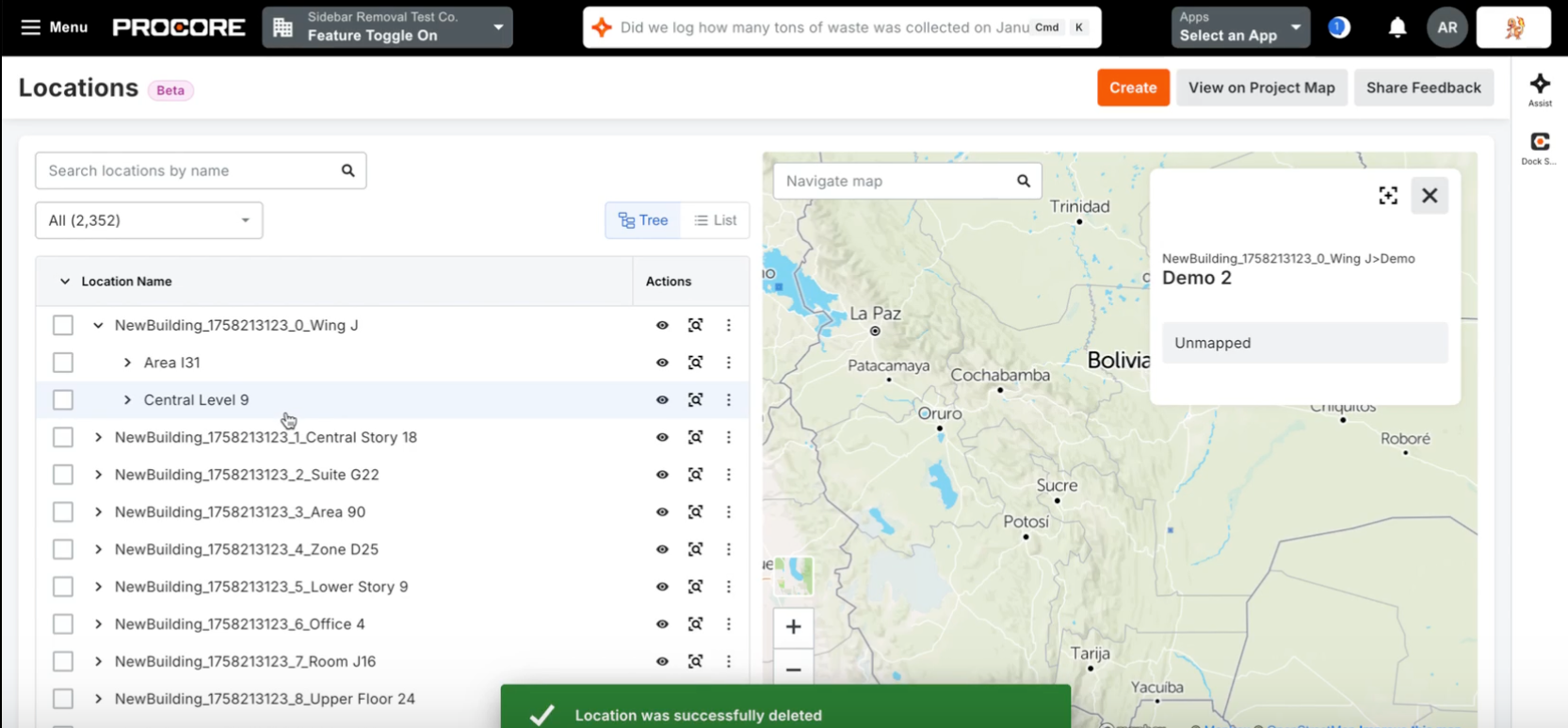
By centralizing and modernizing location management, the new Locations Tool helps teams eliminate the hassle of disconnected spreadsheets and drawings. Field crews benefit from improved site orientation, office teams can conduct remote site visits, and automated data capture reduces manual entry errors. This update is part of Procore’s ongoing commitment to deliver a more discoverable, secure, and user-friendly experience for managing project locations.
Available in Beta starting May 19th via Procore Explore. To opt-in, Company Admins can navigate to the Company Settings > Procore Explore menu and select "Join Beta" for the Locations Tool. Once enabled on a project, users with the correct permissions can access it by navigating to Project Tools > Locations.