Beta beginning June 29. The My Open Items Workspace is your personal to-do list in the Procore mobile app — now in one place. It gathers everything waiting on you across all your companies and projects into a single list on your phone. Each item shows what it is, its status, when it's due, and which company and project it belongs to — and it flags what's overdue and what's due today, so nothing slips. You can filter the list by project, company, item type, or how urgent it is, and sort it however works best for you. However you set it up, it stays that way the next time you open it. This is for anyone juggling more than one project or company in Procore who gets work done from their phone — project managers, superintendents, and anyone who approves items on the go. If you're often away from your desk, this is for you.
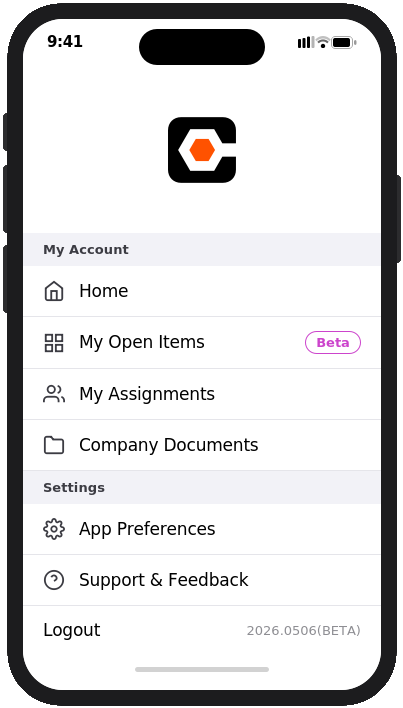
Right now, finding your tasks on mobile means opening each project one by one to see what needs attention. That's slow, and it usually means waiting until you're back at your computer to get things done. The My Open Items Workspace changes that. Everything that needs you shows up in one list, so you can knock out approvals and stay on top of urgent work from anywhere — between meetings, walking the job site, or on the road. To get started, enable the My Open Items Workspace open beta via Procore Explore. Then, open the Procore mobile app, tap your profile picture in the top corner, and choose My Open Items. Use the filters and sort options to focus on what matters most. Most items open right inside the app; a few will open in a secure browser window without making you log in again.