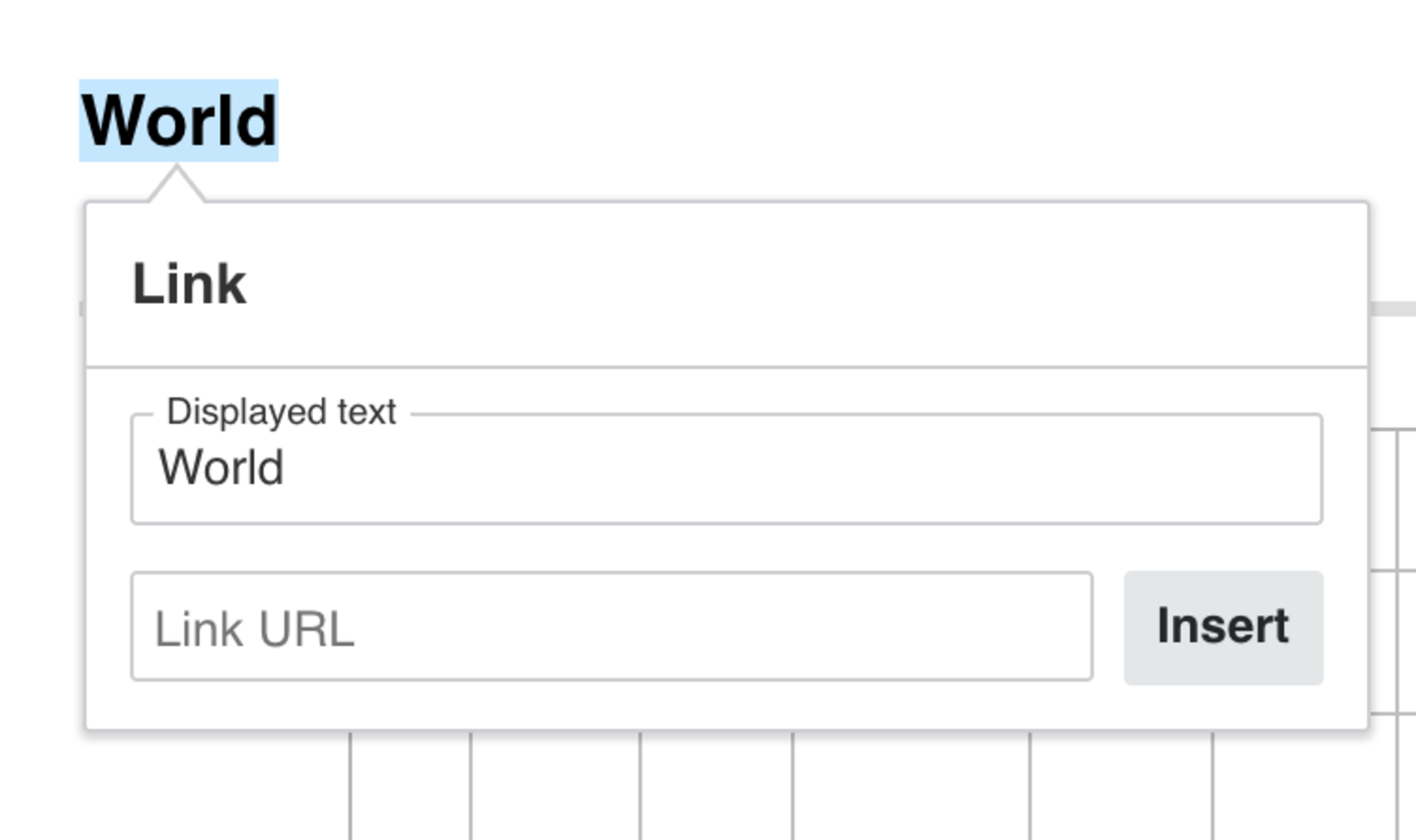
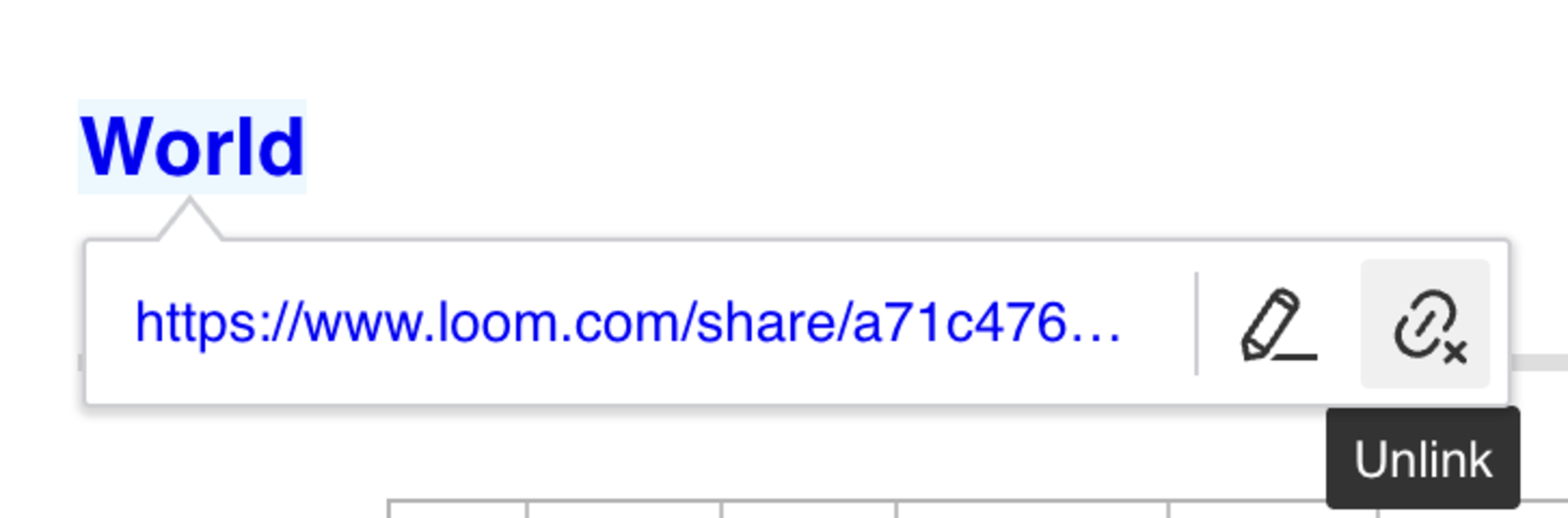
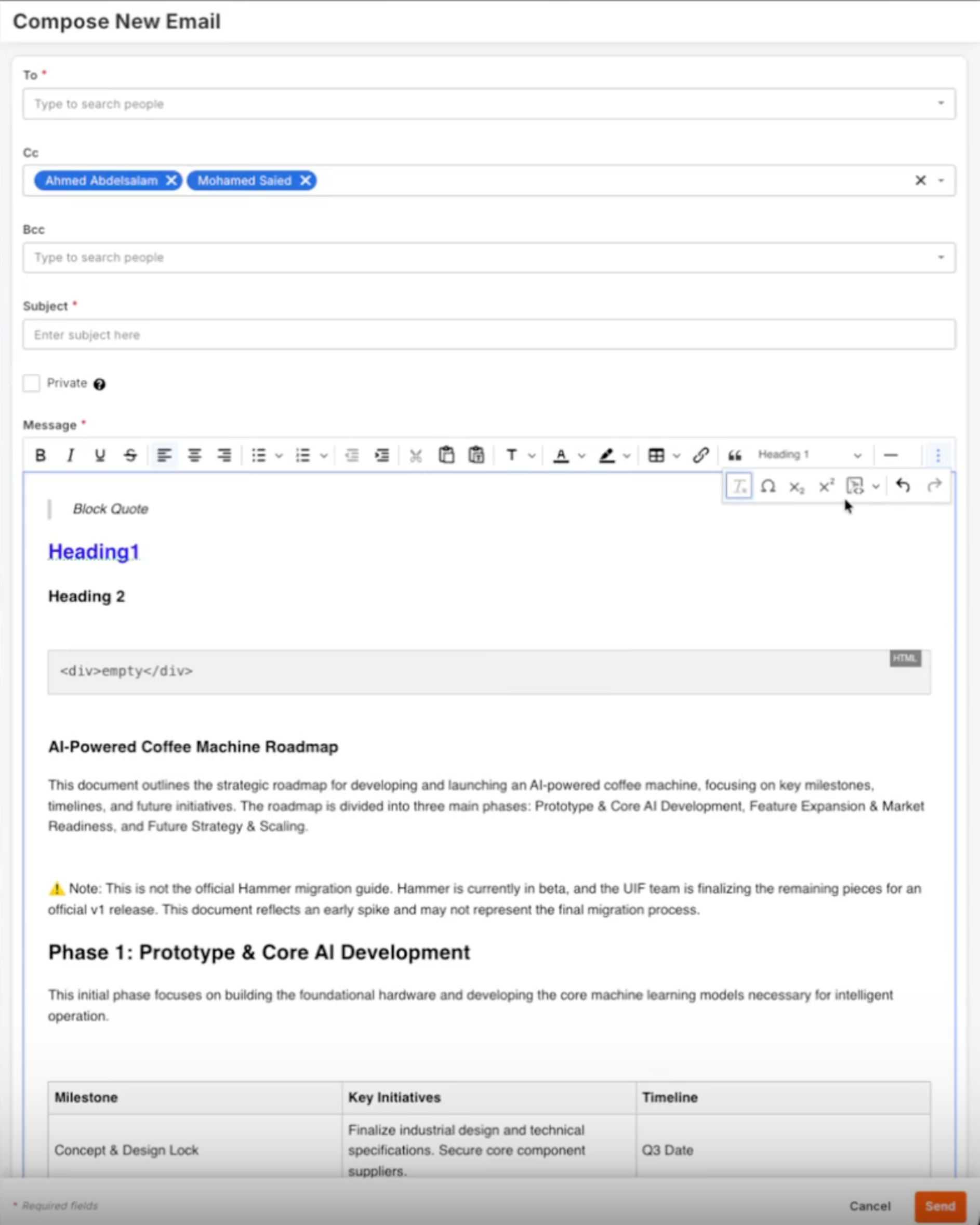
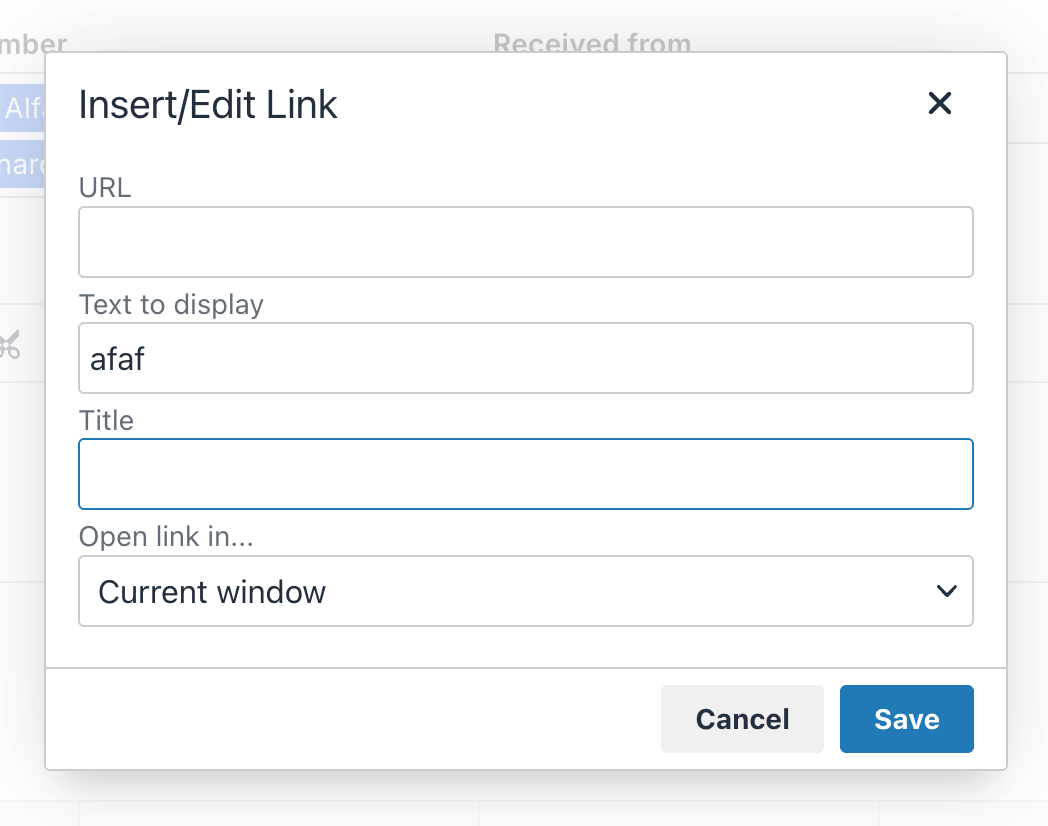
Beta beginning June 14. The Email tool has a redesigned editor for writing and formatting messages. You can now paste content straight from Google Docs or Word and keep all the styling — bold, italics, lists, tables — instead of having it strip out. Use markdown shortcuts to format as you type (# for a heading, > for a block quote), add section dividers to break up a long email, drop in special characters like currency symbols, and insert multi-level lists or code blocks. There's also a one-click option to clear all formatting from selected text. Everything you already used — tables, links, font colors and sizes, alignment, bold/italic/underline — still works the same way.
This is for anyone who sends emails from within Procore — project teams, coordinators, and anyone who pulls content together from other documents and wants it to look right without reformatting by hand. Before, formatting an email meant working around an editor that couldn't keep up — paste from a Google Doc and the styling fell apart, and there was no quick way to add headings, dividers, or special characters. Now you can build a clean, well-formatted email faster, paste styled content without fixing it afterward, and keep every tool you already relied on. Less reformatting, more time on the actual message. To get started, enable the 'Email Modernized View' Open Beta in Procore Explore. Then, open the Email tool and start composing. Paste content from Google Docs or Word and the formatting carries over, or use markdown shortcuts (like # for a heading or > for a quote) as you type. The formatting toolbar includes new options for dividers, special characters, and formatting cleanup.