



CONSTRUCTION MANAGEMENT APP FOR iPHONE

Enterprise-strength construction project management software - right on your iPhone.
Request Free Demo

Procore Power on Your iPhone

  • Free iPhone apps included with Procore user access
  • Real time syncing with web app
  • Create & manage project data
  • Forward project information instantly
  • Access & read project documents
  • Create punch list items with photos and due dates

Downloading Procore for iPhone

Click here to see the Procore for iPhone listing in the App Store. Download Procore for iPhone by searching on iTunes for "Procore" using your iPhone or iPad.

Access Project Documents on Your iPhone

Procore for iPhone's Docs tool gives you access to your entire project document archive stored in Procore. iPhone users can view any of the project documents stored in the most common formats, including PDFs, Word docs, Excel spreadsheets and text files.

Take Your Punch Lists Everywhere

Procore for iPhone includes a complete Punch List tool. View the Punch List items for your projects, whether they're Open, Overdue or Closed. Create new punch list items and assign responsibility with a due date directly in the iPhone app.

Project Data On Your iPhone

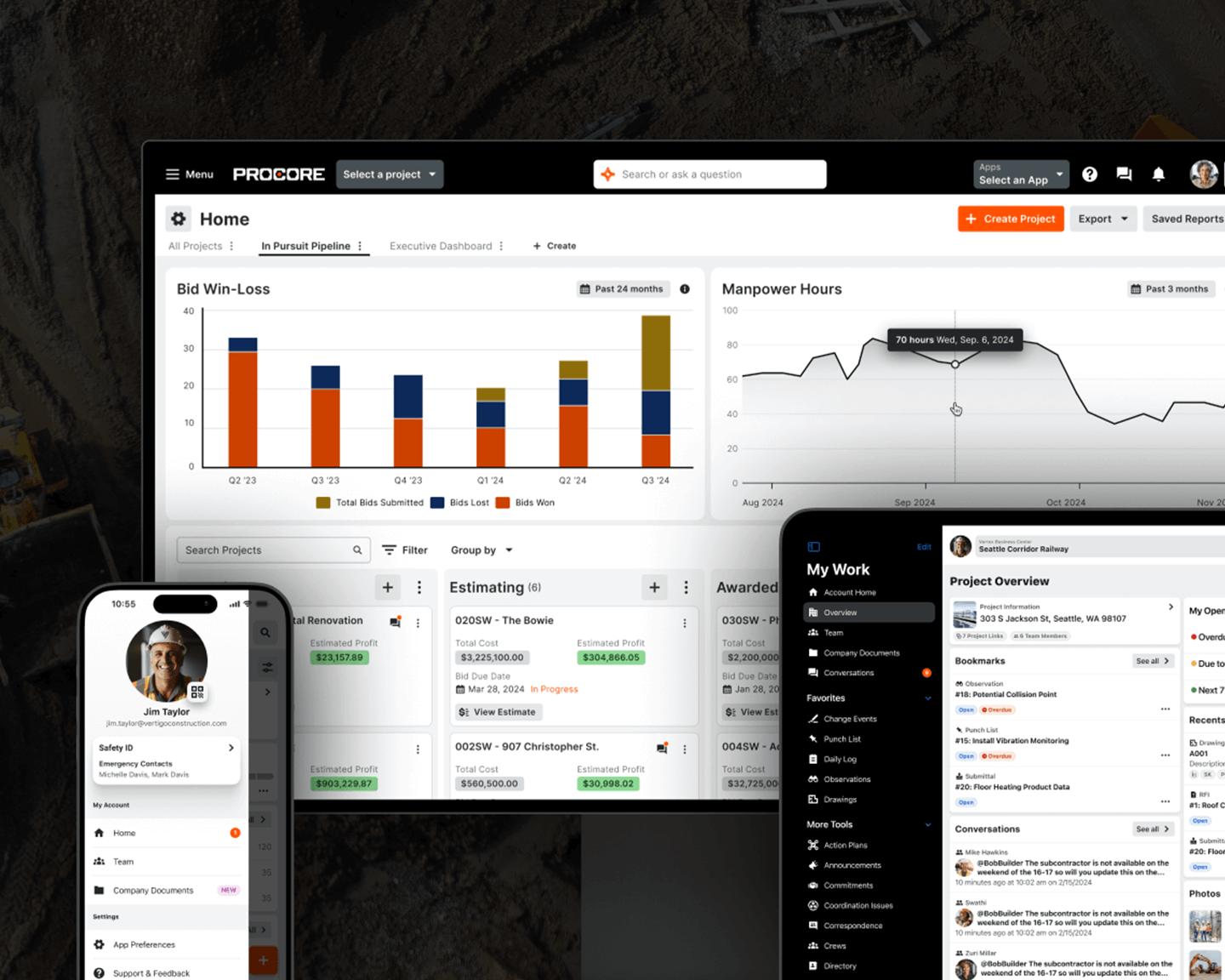
Procore's iPhone app brings the power of Procore's construction project management software right to your iPhone. Changes and additions to your project data made on your iPhone are instantly synced with your Procore project data.

Add Photos From The Job Site

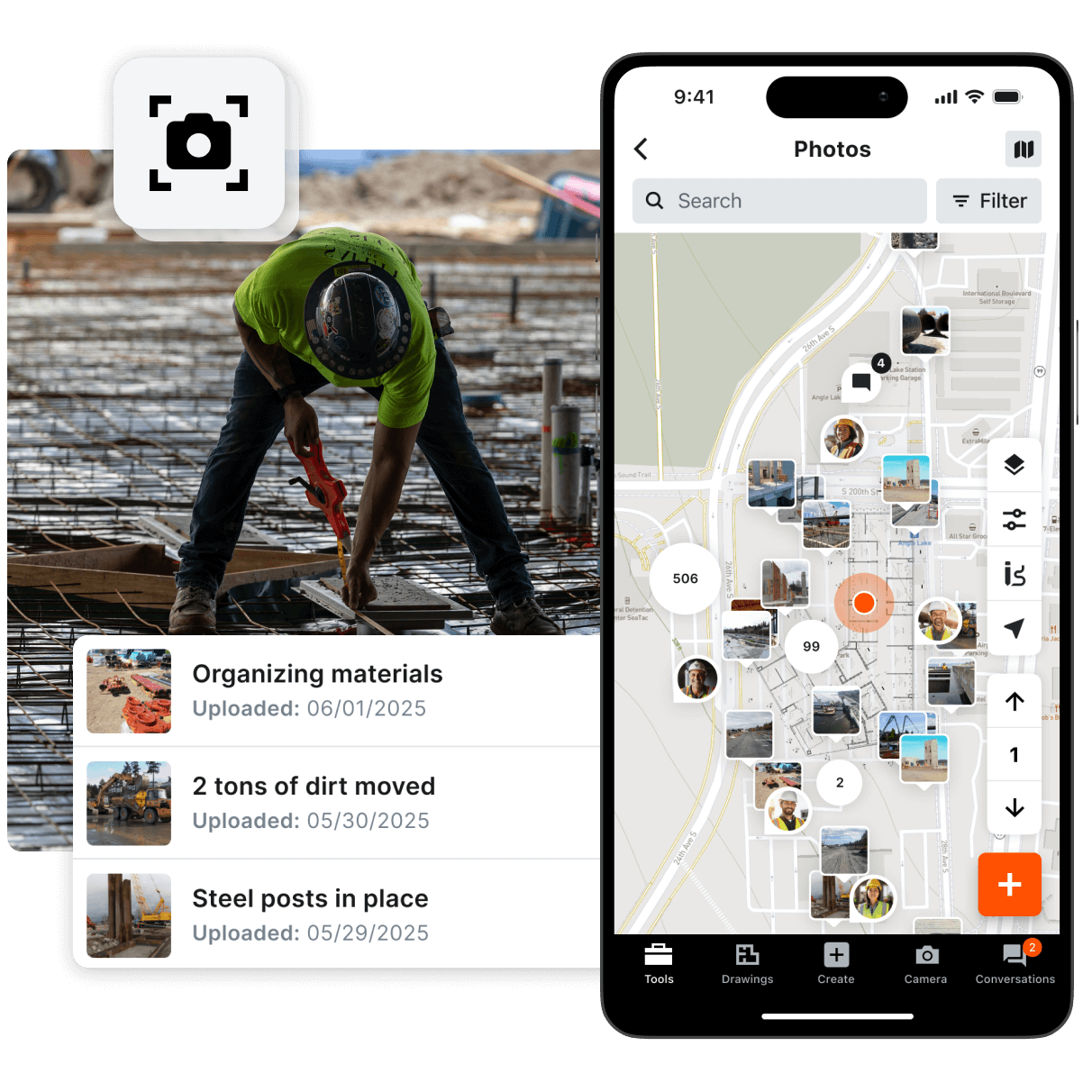
Add photos to your Procore Photos archive right from your iPhone. Photos added to Procore are kept safe and secure in a centralized online archive. Project team members will know where to find every photo.

View The Status of Any RFI

Procore for iPhone's RFI tool makes it easy to check on the status of any RFI in your Procore projects. Look at just your own RFIs, or see all of the RFIs on the project.