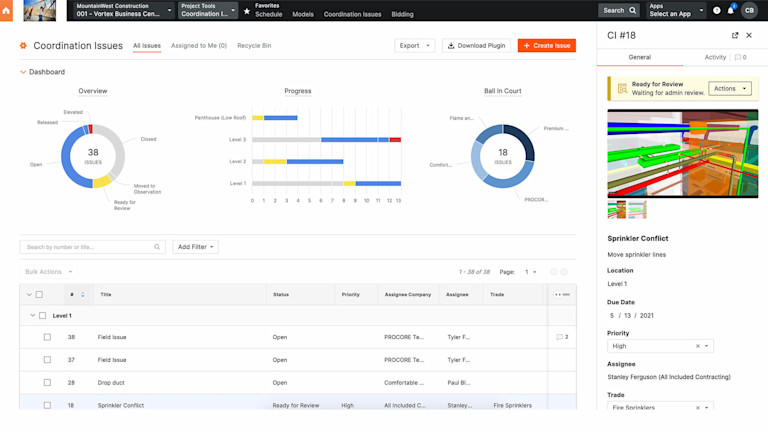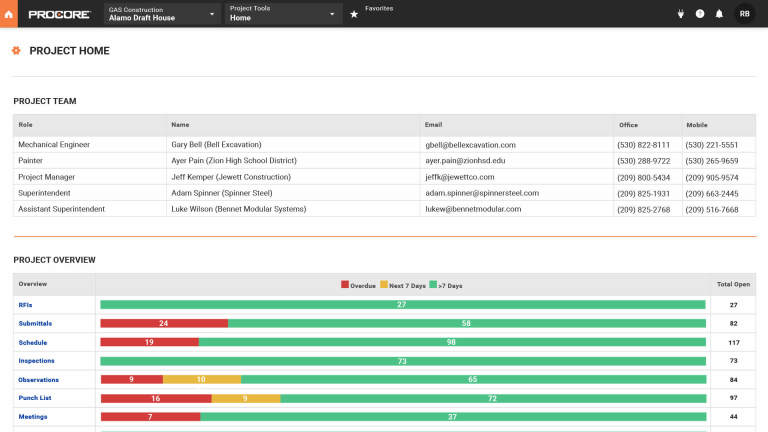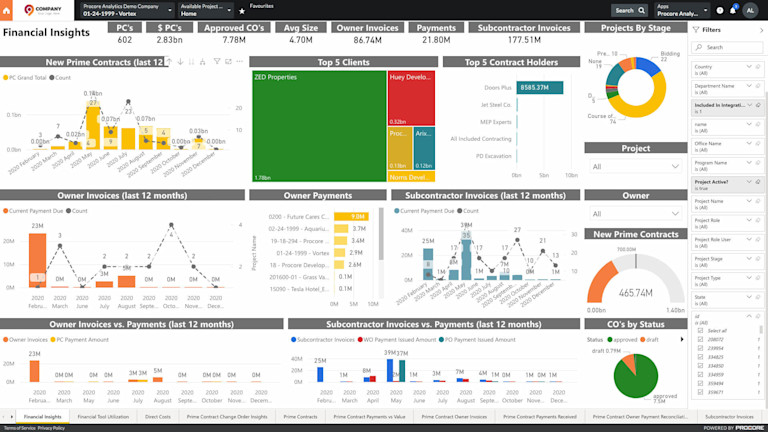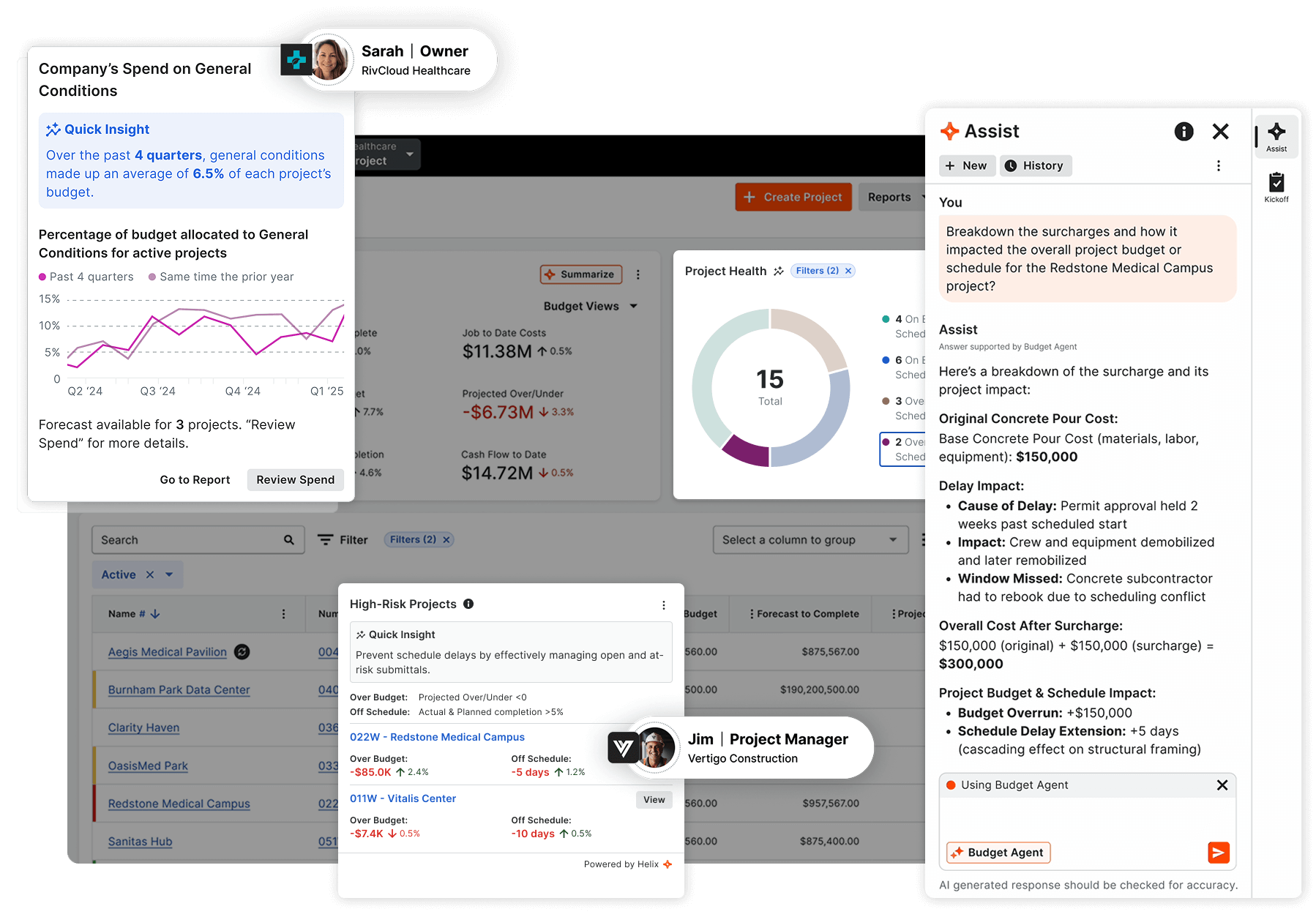
The Project Home page provides a useful "dashboard overview" of the current status of the project. By viewing Procore's unique dashboard chart, any user can quickly see that status of key items on a project. Requests-for-Information (RFIs), change orders, construction project management tasks, and punch list items are all monitored using a red/yellow/green chart.
The Emails Page within Procore is a simple and easy way to manage all email communications related to a specific project. Procore brings the power of email to construction project management software. By using Procore, all of your construction project emails can be tracked and organized in one place, so you'll always be able to find those crucial project emails when you need them most.
Requests-for-Information (RFIs) can help a project run smoothly and on schedule, or they can cause delays that can mean cost overruns and lost profit for contractors. Most construction software doesn't attempt to address the root cause of RFI problems - poor communication and a lack of accountability from the people responsible for answering or "closing" an RFI.
Procore's Project Calendar offers a customizable view of the tasks entered into the construction project schedule. Unique among construction project management software packages, Procore offers a choice of views that goes beyond the standard scheduling software Gantt chart. Construction software is used by a wide range of people, who may not all have experience with construction project schedules and Gantt views. For this reason, Procore presents the construction project schedule in a calendar view, available as a daily, weekly or monthly view. Project tasks for the construction schedule are presented as individual bars. Each bar displays the task name, as well as the resource assigned to that task and the task start and finish dates.
Procore’s Daily Log page offers several features that make it unique among construction project management software packages. Procore’s Daily Log page is much more than just a simple notes field – instead, Procore uses the power of the Internet to provide a more powerful construction software solution for project managers who need to keep track of what happens on a construction job site, each and every day of the job.
Procore's Project Images page is used to store electronic documents related to your specific project. Two features set Procore’s approach to project document storage apart from other construction project management software: unlimited storage and online availability with backup.
Procore's Project Photos page is used to store and view digital photos related to the specific project. Two features set Procore's approach to project photo management apart from other construction project management software: unlimited storage and online availability with backup