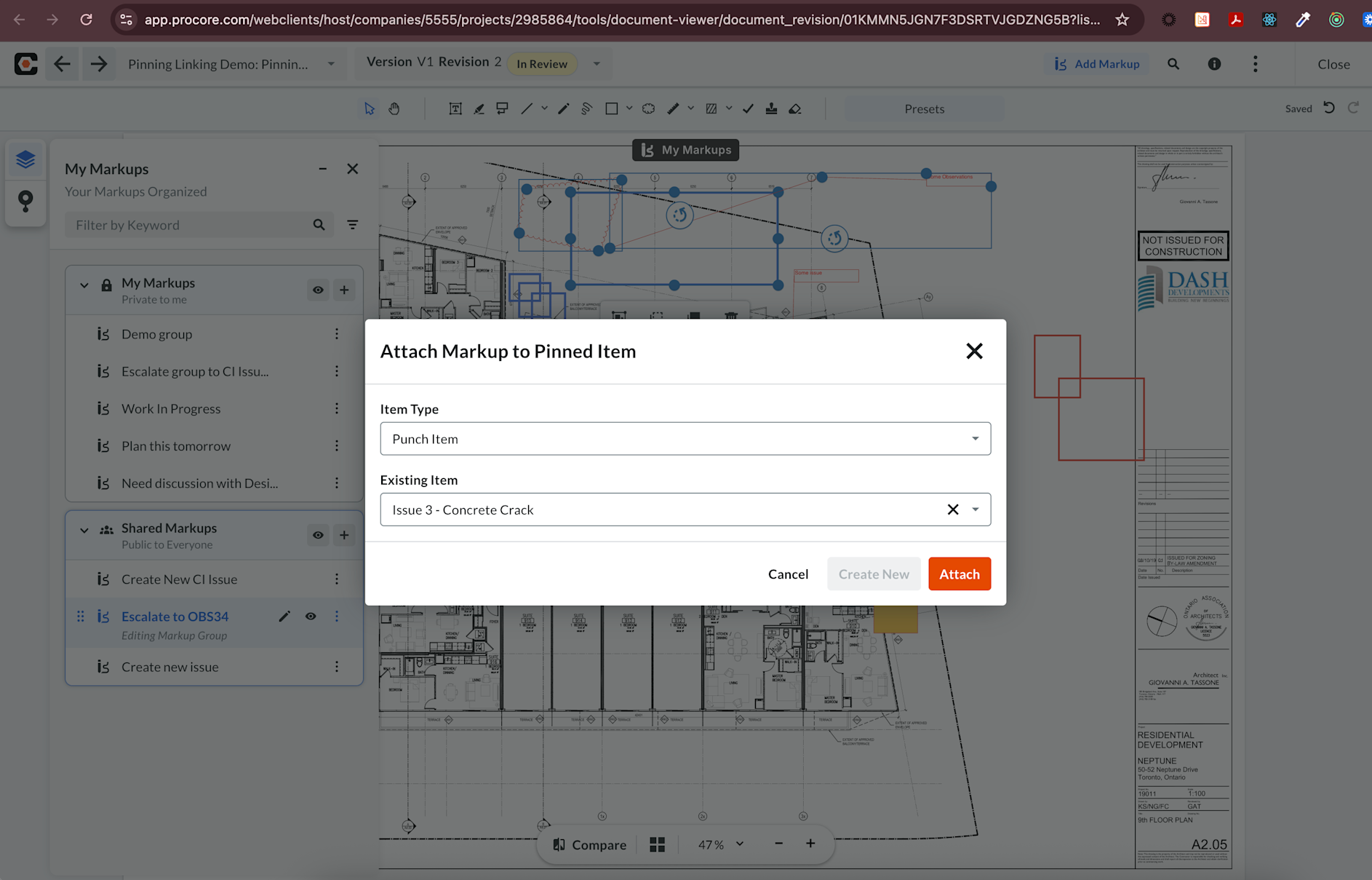
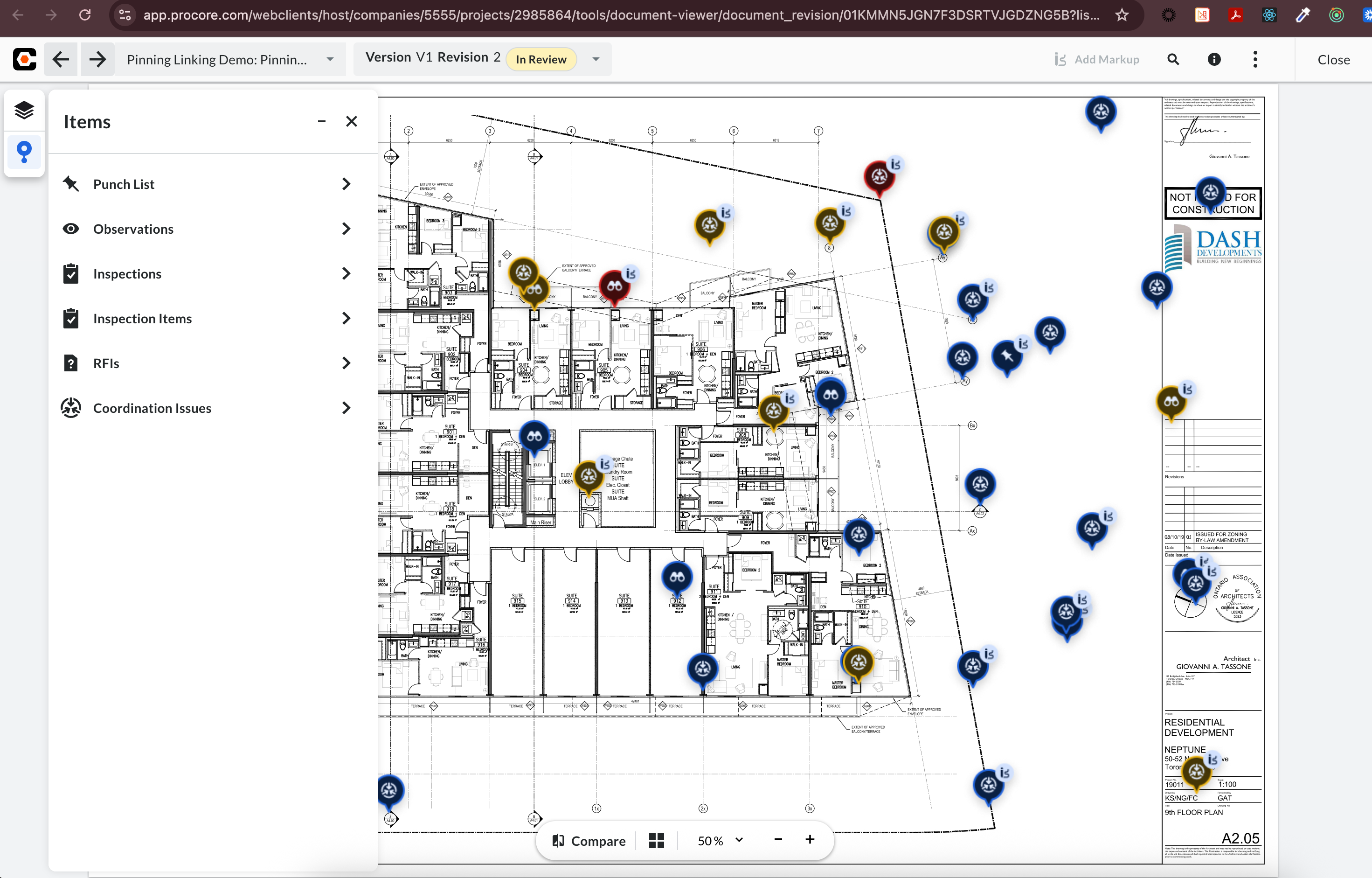
What it is Connected Items pinning, already available in Documents and Document Management, now extends to Specifications on web. Teams can link or create coordination issues, observations, punch items, and more, pinned to the exact spec section they reference — and see everything connected to a spec from the viewer. Who it's for Project engineers and project managers who trace an RFI back to the clause that raised it — and anyone who needs to see, from the specification itself, what's still open against it. Why it matters Specs are a primary reference for RFIs and submittals, but there's been no way to spatially tie an item to the exact section it references. Teams describe section numbers in text, which breaks down across revisions. Pins create durable spatial links that survive revisions, making issue traceability immediate. How to get started Open a specification in the viewer, select the Connected Items panel, and place a pin. Available September 15, 2026.