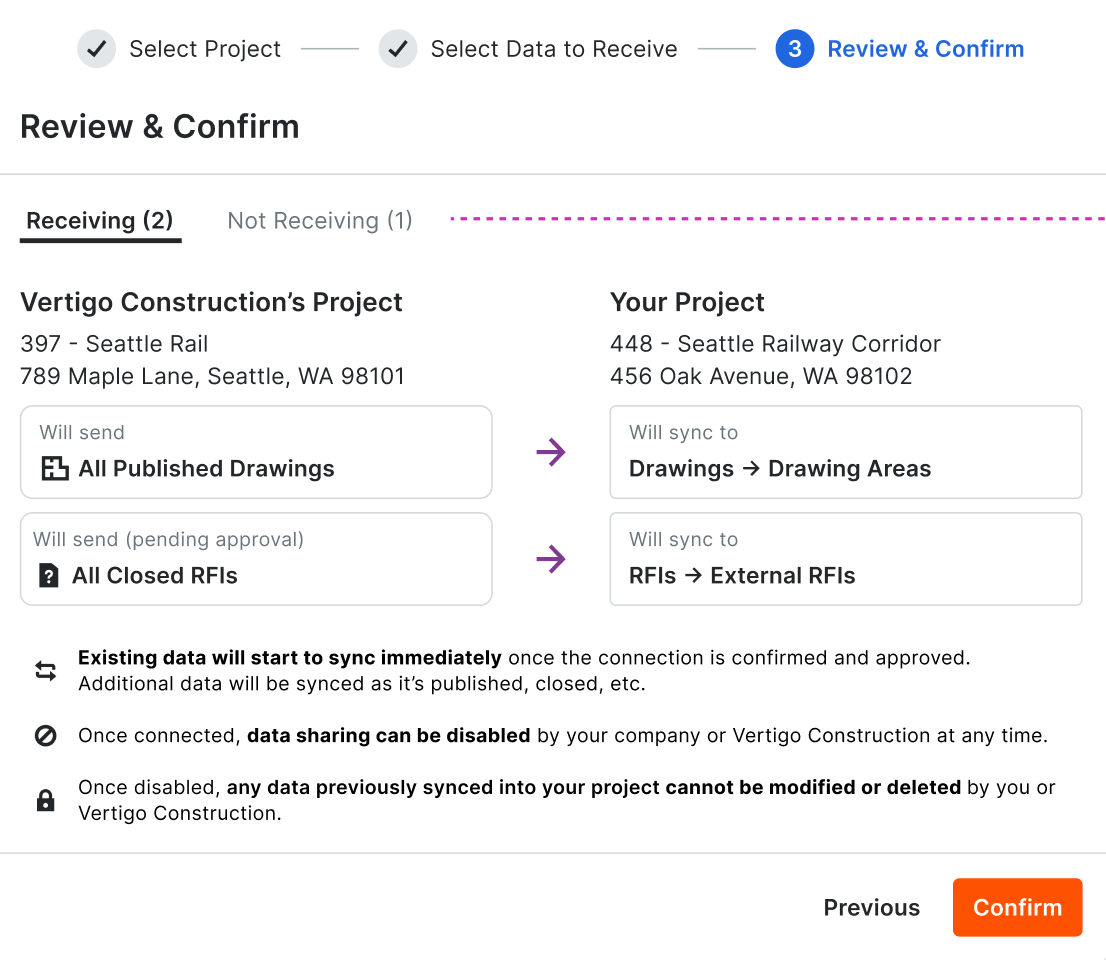
Launching June 16. Connection Manager now lets you decide, tool by tool, whether your company sends data or receives it. Before, every connected tool between you and another company had to flow the same direction. Now you can set it per tool — receive RFIs from a partner while sending them submittals, for example — all within the same connection. You control the direction for each tool independently. This is for any company that shares project data with another company in Procore — GCs, owners, and specialty contractors who work with outside collaborators and need data flowing different ways for different tools.
Real projects don't move in one direction. You might need to receive information on one tool and send it on another with the same partner — but until now, the connection forced a single direction across everything. That meant workarounds, or skipping the connection altogether. Setting the direction per tool means your connections match how your projects actually work, so more of your data moves automatically and less of it gets re-entered by hand. To get started, in Connection Manager, open or create a connection, then go to the tool configuration page. For each tool, choose whether your company is the sending or receiving party. You can adjust these settings per tool at any time after the connection is established.