















Get started today.
If you can send an email, you can use Procore. Building better is really that simple.
CONSTRUCTION MANAGEMENT SOFTWARE
ONE SOURCE OF TRUTH
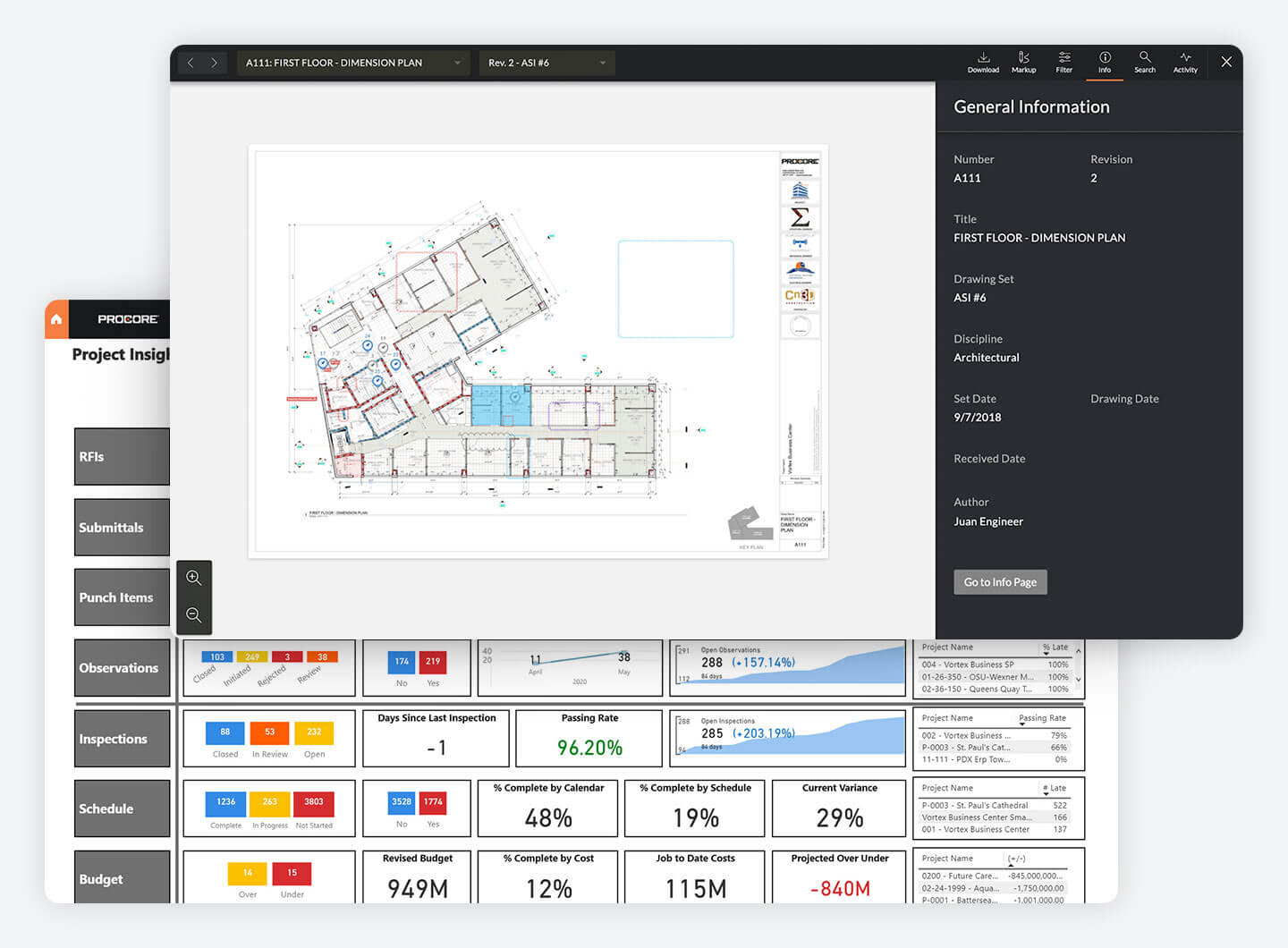
Run your projects with complete visibility by housing every app, document, and person in Procore’s cloud-based platform.
Reduce miscommunications and manual entry errors
Proactively course-correct to stay on schedule and budget
Maintain historical records for dispute resolution

STREAMLINED COMMUNICATION
Eliminate delays and increase productivity by using Procore as your project hub.
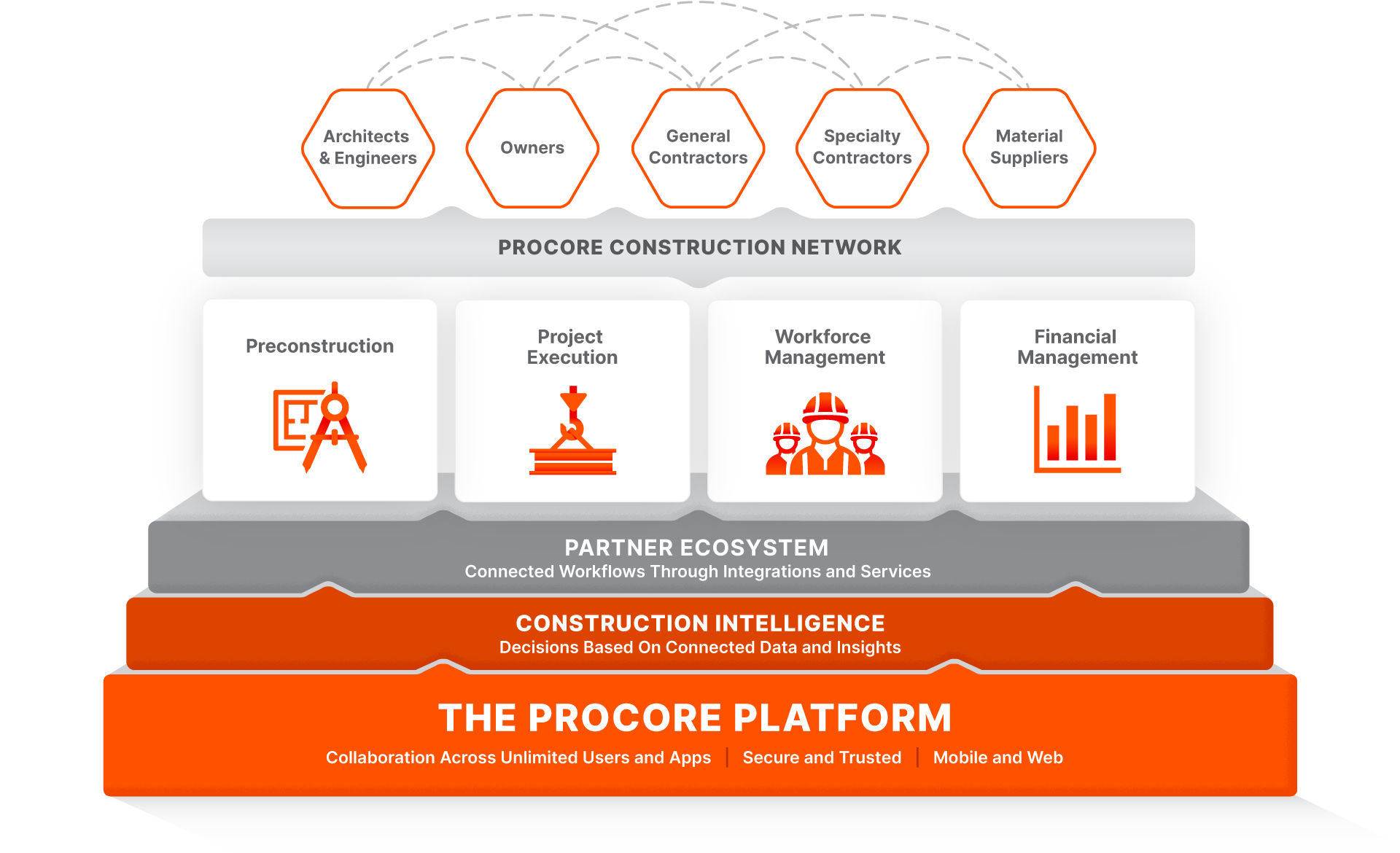
Connect owners, general contractors, and speciality contractors on one platform.
Ensure collaborators have access to real-time project details.
Communicate key information to get your entire project team on the same page with mobile notifications.
FLEXIBLE TOOLS
Scale efficiently with technology that offers the flexibility you need to create new processes as you grow and improve.
Get unlimited users, data, and support
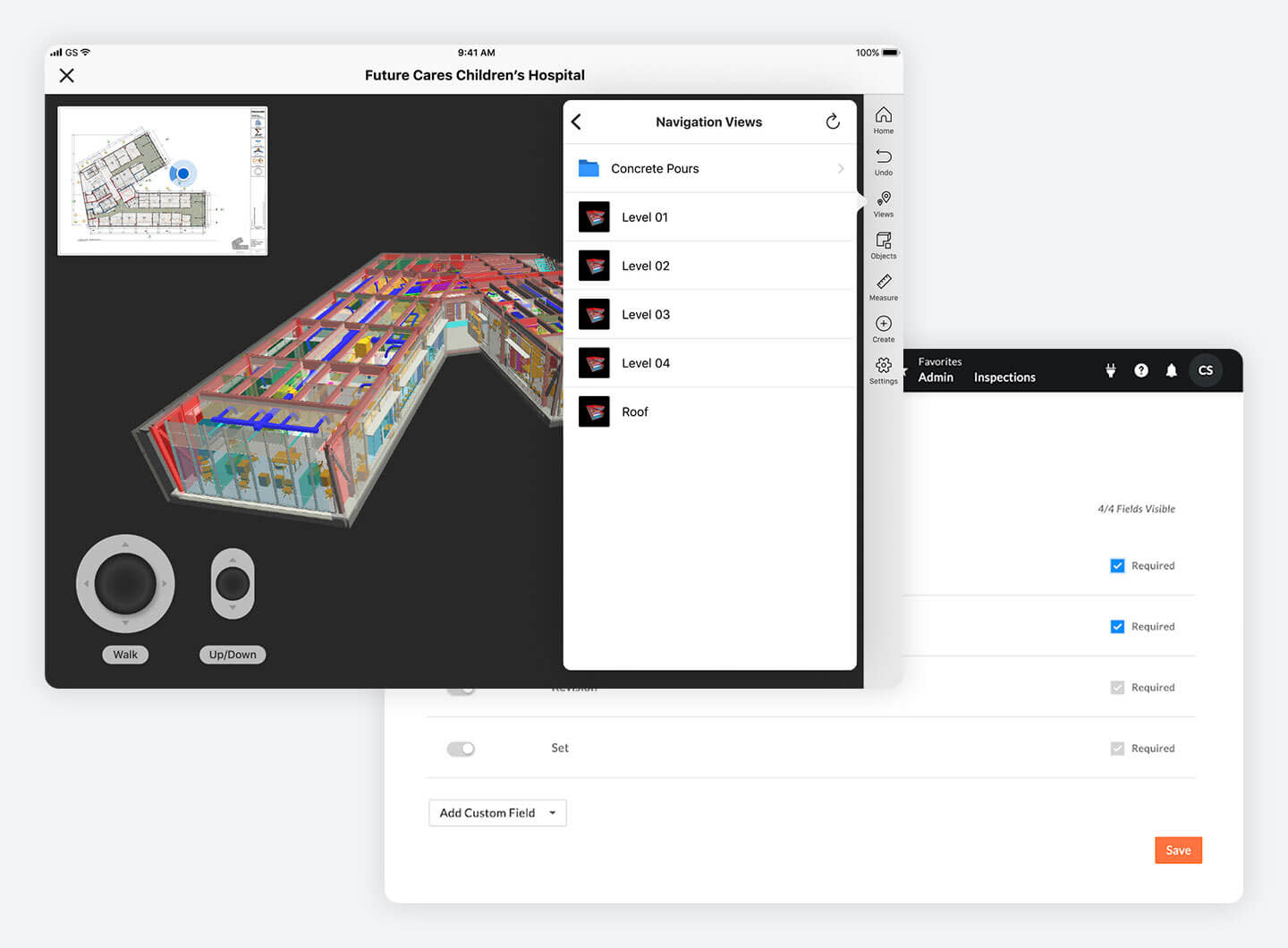
Customize fields, workflows, and tools to fit your processes
Build custom apps with our developer toolkit
Create more productive and safe jobsites with a global partner that is powered by a platform with world-class infrastructure, security and privacy built into every layer, and supports you wherever you are.

We build security into everything we do—allowing you to focus on project risks, not security risks.

We keep your customer data confidential and respect your privacy.

Choose where you want your most sensitive assets located knowing that we are safeguarding your data.

Connect labor hours and material installed to your budgets in real time for up-to-date labor costing.

Create a unique Procore experience for your users with configurable and custom fields.

Find what you need faster by accessing search results across tools from one place.
If we don't build it, chances are, there's an app or integration for it on our marketplace. So you can work the way you want to, all without ever leaving Procore.
Customer Story
“Before Procore, owners, general contractors, and subcontractors were all working at odds. Now, we work together as a team.”
Ric Clark
Chairman
Brookfield Properties
If you can send an email, you can use Procore. Building better is really that simple.



