












CONSTRUCTION DAILY LOG SOFTWARE

Quickly and easily create and manage daily project logs using Procore.
Request Free Demo

Keep Consistent and Comprehensive Daily Logs

  • Complete daily log entries faster
  • Dictate daily log notes
  • Automatically record weather
  • Find logs entries instantly
  • Dynamic filtering and search capabilities makes reporting easy

Moved Beyond Handwritten Logs

Keeping handwritten daily logs is never a popular chore. Procore's construction software lets your team enter logs with the click of a mouse. It's faster and easier than old-fashioned log books.

Custom Define Your Own Log Format

Procore knows construction project management practices vary between companies. That's why our Daily Log tool has a drag and drop interface so that you can re-prioritize the layout of the logs.

Dictate Daily Log Notes

Procore's mobile iOS apps let you enter Daily Log notes in Procore by just talking to your iPhone or iPad. Automatically turns your speech into text, and the notes are logged in Procore.

Let the National Weather Service Track Your Site Conditions

Procore's construction software is linked to a worldwide, automatic weather feed that records your project site conditions automatically. Each day's conditions are logged and can be displayed for any day in your project history.

Detail: Procore's Construction Project Management Daily Log Tool

Procore's Daily Log tool offers several features that make it unique among construction project management software packages. Procore's Daily Log tool is much more than just a simple notes field -- instead, Procore uses the power of the Internet to provide a more powerful construction software solution for project managers who need to keep track of what happens on a construction job site, each and every day of the job.

Procore begins the Daily Log entry by automatically logging and archiving the daily weather report for the job site. This information is gathered via an online feed, and is saved permanently into Procore's database. All weather information can be supplemented by manual input in the event that site-specific conditions do not exactly match the weather feed. The archiving feature makes it easy to go back in time and establish a "weather snapshot" for any particular day, which can in turn provide proof that job tasks were completed only during the correct weather conditions. No other construction software automatically gathers and archives weather information as easily as Procore.

Procore's Daily Log provides a Work Log that brings the power of automation to construction project management software. Instead of requiring manual entry of the tasks that were accomplished each day, Procore integrates with the construction project schedule and pre-loads the scheduled tasks for that day into the Daily Work Log. A site superintendent can accomplish his construction project management by simply clicking on the Work Log section and filling in task details, including which sub-contractors showed up on the job site, how long those sub-contractors worked for, and what percentage of each task was completed. If a particular task was not started or needs to have a finish date adjusted, the schedule can be edited from within Procore. Procore is tightly integrated with Microsoft Project, and also supports the most popular construction project scheduling software formats from vendors such as Primavera and AEC.

Procore's Daily Log tool has inputs for Quantities Completed to assist with Labor Productivity Tracking.

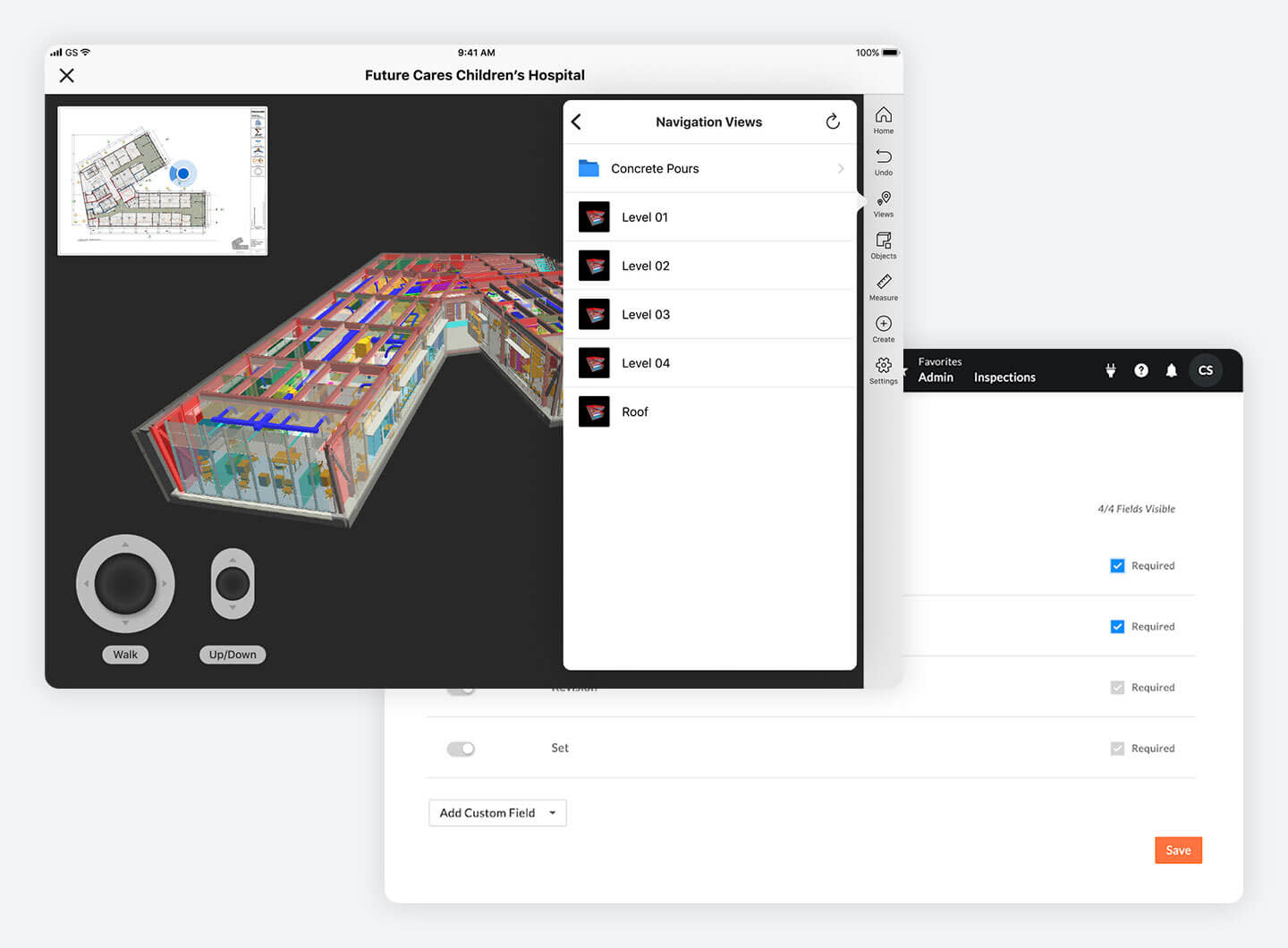
Procore's Daily Log tool layout is completely customizable. Every organization can configure Procore so that only the desired construction software log sections show up in the Daily Log. Customizing Procore is accomplished with a simple drag-and-drop interface that allows the user to specify which sections are displayed, and the order in which each section appears. Don't need a Delivery section for a project log? Just click to hide it. Want the Safety Violation log section to appear before the Inspection section? Simply drag-and-drop and Procore will re-order the layout of the log.

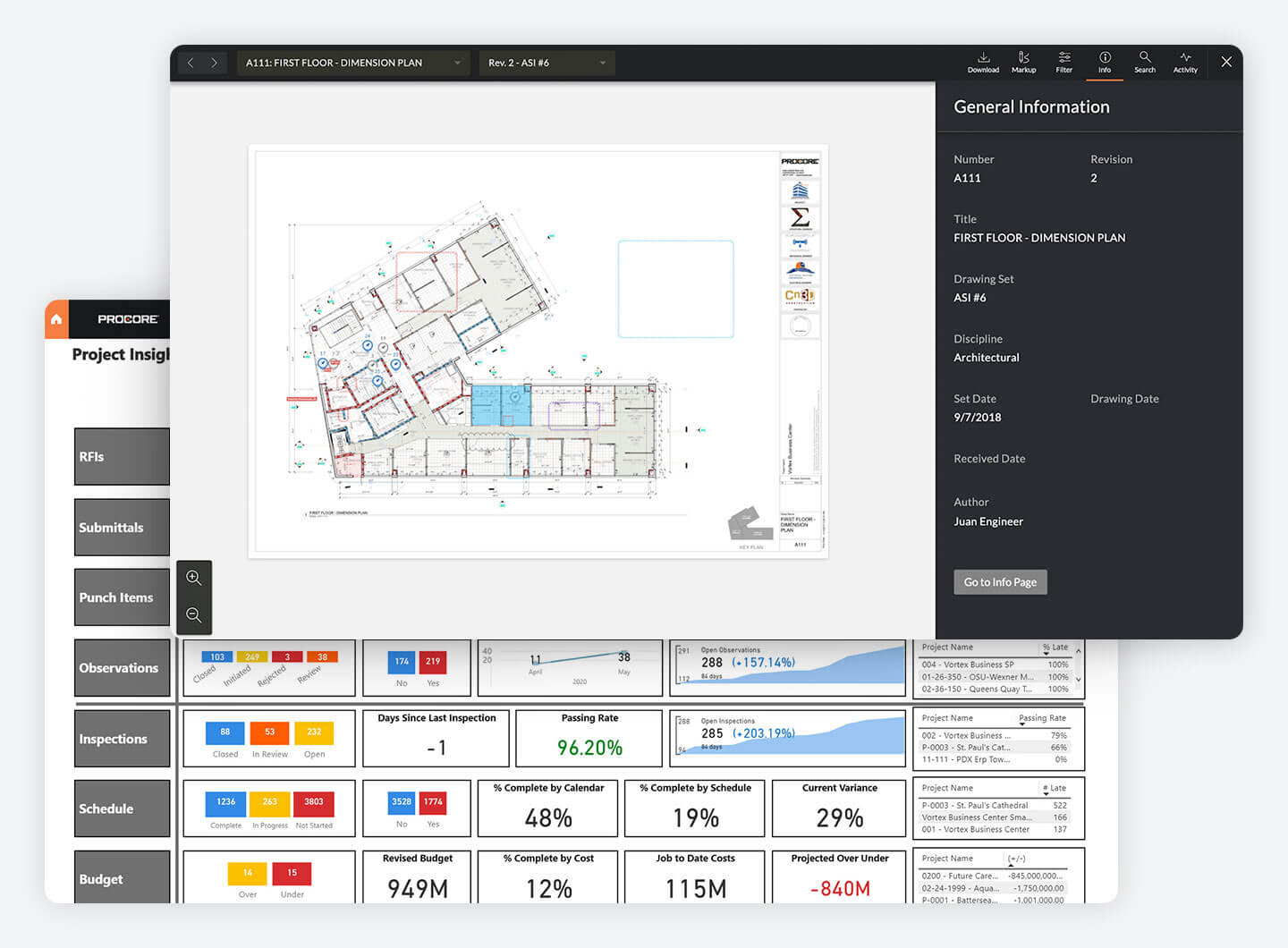
Procore’s daily log has dynamic filtering and search capabilities to allow you to report off any log quickly and easily. Need to know the number of manpower hours used in the past week and which vendors performed the work? Procore’s daily log reporting tool allows you to quickly gather this information and print it off to take to a meeting or export it to a spreadsheet.

All information contained in Procore's Daily Log pages is automatically archived and saved to multiple server hard drives. Daily Logs kept in Procore won't get left in a truck somewhere, ruined by a job site flood or fire, or lost in the file storage room. Instead, Procore archives your Daily Log entries and makes them available for export as PDF files.